Trade Show Lead Capture Software: What Features Actually Matter
A buyer guide to trade show lead capture software: the features that change your follow-up, which ones are noise, and a checklist to score any vendor before you sign.
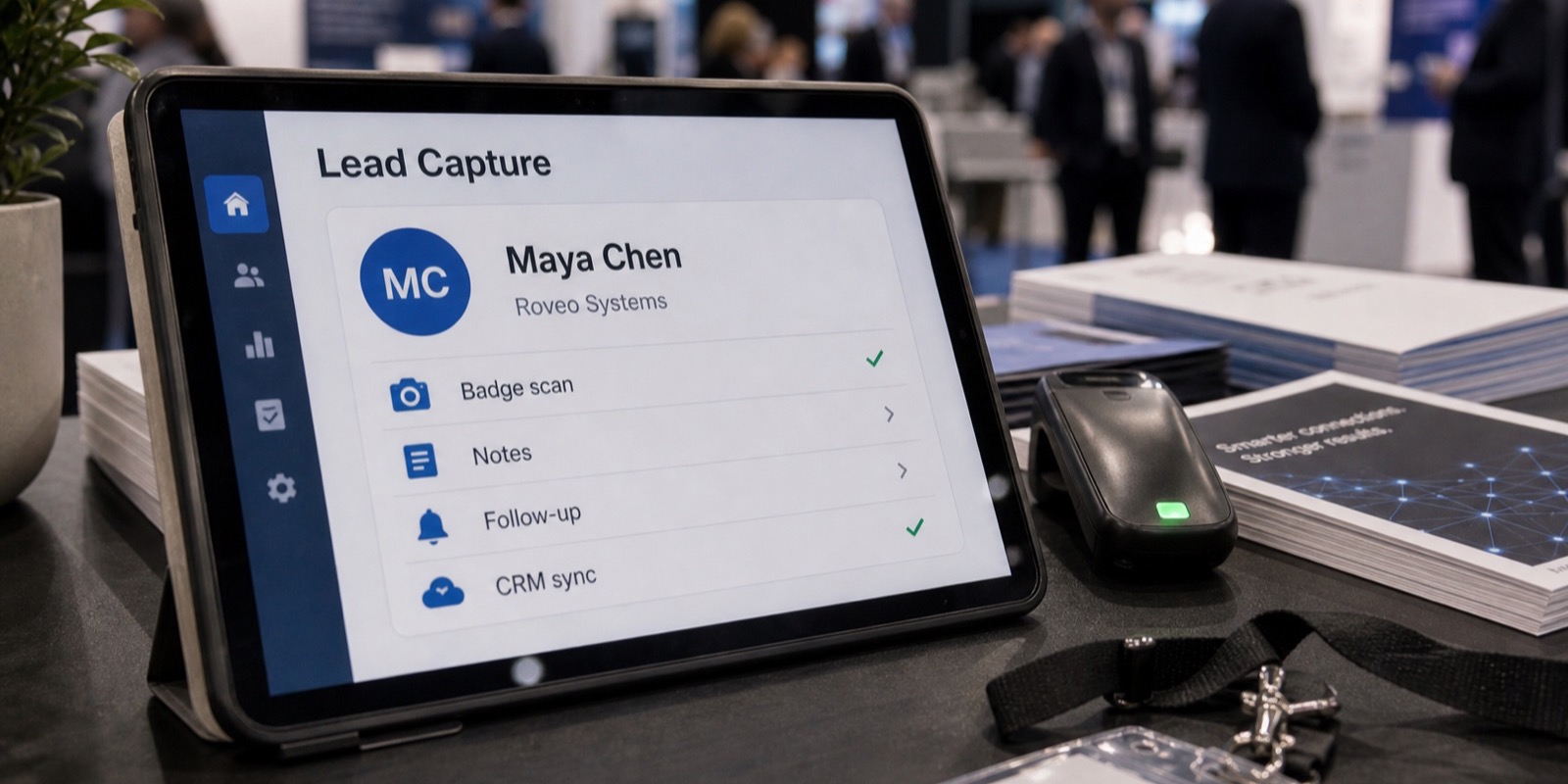
Every lead capture vendor's feature page reads the same. Fast scanning, CRM sync, real-time dashboards. The words blur together, and a few months later you're in a booth with an app that technically works but drops signal, dumps half-finished records into a spreadsheet, and forces a week of cleanup before sales touches anything.
So this guide sorts the features that change your results from the ones that just fill a comparison grid. The goal isn't the longest feature list. It's getting clean, qualified, deduplicated leads to sellers while the show is still warm, plus a checklist you can score any vendor against.
What actually matters vs. what's noise
Sort features into two piles: things that change what happens to a lead after the show, and things that look good in a sales deck. A live booth-traffic counter is noise. It feels useful at 2pm on day one and gets ignored by everyone for the rest of the show. What matters is whether a lead leaves your booth complete, qualified, deduplicated, and on its way to a seller.
The features below are the ones that show up in your pipeline three weeks later. If a vendor is strong on these and quiet on the gimmicks, that's usually the better buy. The reverse, a long feature page with vague answers on integration and sync, is a warning sign.
Badge and registration integration: how much data you really get
This is the feature most buyers underrate, and it matters more than any other. When you scan a badge, the data you get back depends entirely on whether your software is integrated with the show's registration system. Without that integration, a scan might give you a name and a company. With it, you can pull the full record the attendee filled out at registration: title, company, email, phone, sometimes their stated interests.
Most shows run on a handful of registration and badge providers. Maritz, Convention Data Services, Cvent, SPARGO, RainFocus, Stova, Swapcard, Bizzabo, and others each have their own data format and developer kit. Ask any vendor flatly: does your software pull full attendee records from the registration provider my show uses, and what fields come back? If they can't answer per-provider, they're guessing.
The features that protect your data on the floor
A trade show floor is a hostile environment for software. Wi-Fi is oversubscribed, cell signal drops in the back of the hall, and four people are scanning the same lanyard within ten minutes. Three features handle this, and all three are easy for a vendor to skip.
- Offline capture has to keep scanning when the connection dies, then sync once signal returns. Depend on a live connection and you'll lose leads during the busiest hours.
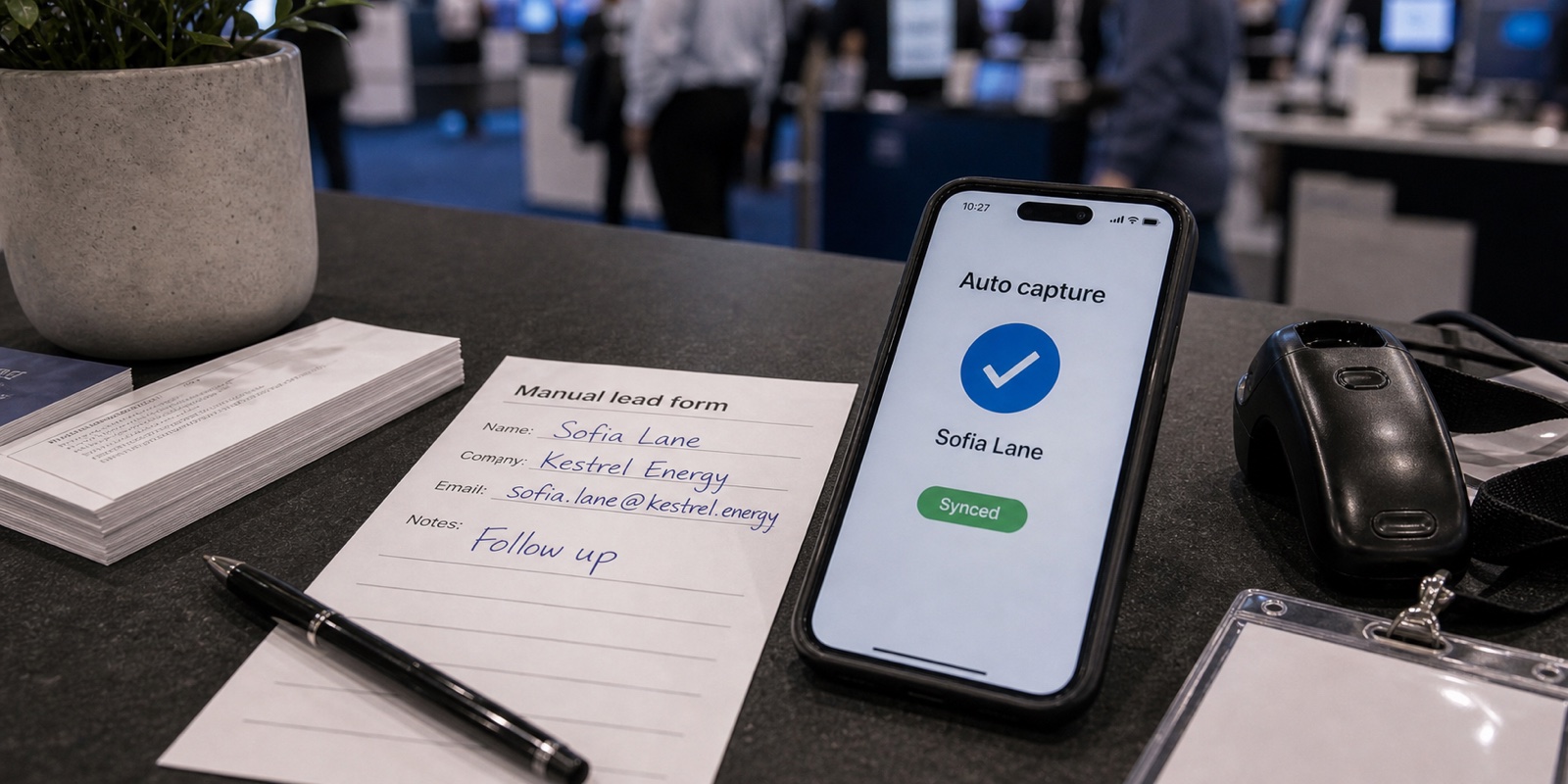
- Automatic de-duplication. When two reps scan the same person, you want one lead, not two. De-dup should happen automatically, not as a cleanup chore later.
- AI data cleanup. Typos, inconsistent formatting, and missing fields should be fixed as the lead is captured, so nobody spends the week after the show normalizing a spreadsheet.
These three turn a raw scan into a usable record. XPO captures offline and syncs when signal returns, a duplicate scan never creates a duplicate lead, and AI cleans each record on capture, so there's no manual cleanup after the show. For a fuller look at where automation earns its keep, see manual vs. automated lead capture.
Custom qualifying questions, done right
A scan tells you who someone is. Qualifying questions tell you whether they're worth a follow-up call. The feature to look for is questions you configure per event, in the formats you actually need: text, number, yes/no, multi-select. Validation matters just as much, so a rep can't fat-finger a budget field or skip a required answer in the rush of a busy booth.
Skip tools that only offer a fixed set of questions or a single free-text notes box. Notes don't sort, score, or route. Structured answers do. If you want help deciding what to ask, the best questions to qualify trade show leads covers it. XPO lets you configure qualifying questions per event and validates answers as they come in.
Same-day CRM sync with a per-lead log
The point of capturing leads is getting them to sellers while interest is fresh. So the sync matters, but the details matter more than the checkbox. Two questions separate real sync from a marketing claim: does it push leads automatically the same day, and can you see a per-lead log confirming each one landed in the CRM?
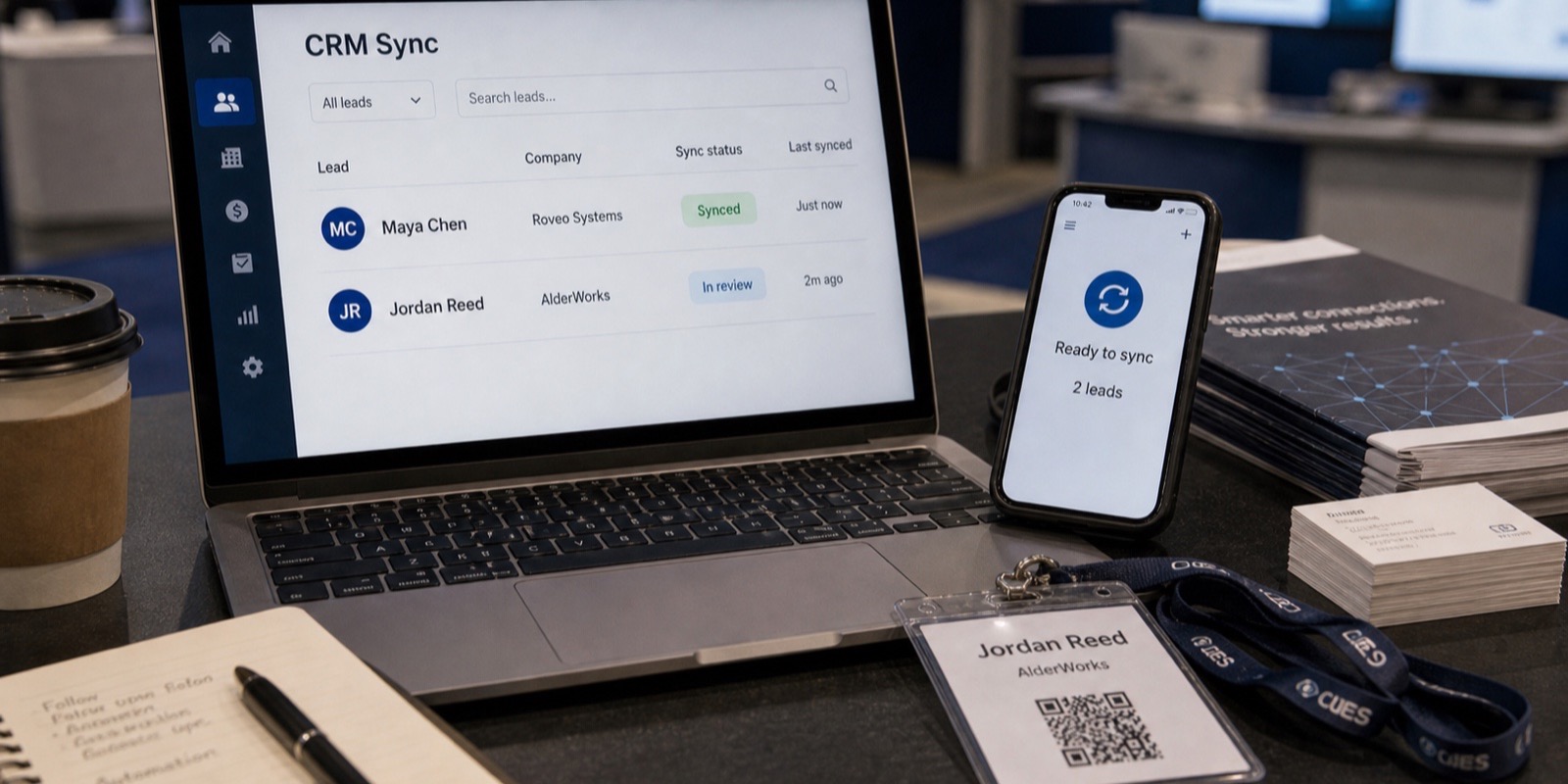
A per-lead sync log is the feature nobody demos and everybody needs. When a seller swears a lead never showed up, the log tells you whether it synced, when, and where it went. XPO syncs qualified leads to the CRM automatically the same day over OAuth, with a per-lead sync log, and supports Salesforce, HubSpot, Pipedrive, Zoho, Microsoft Dynamics 365, Marketo, Pardot, and Oracle Eloqua. For a deeper look at integration depth specifically, read the best lead capture tools that integrate with your CRM.
Team roles, reporting, branded screens, and an open API
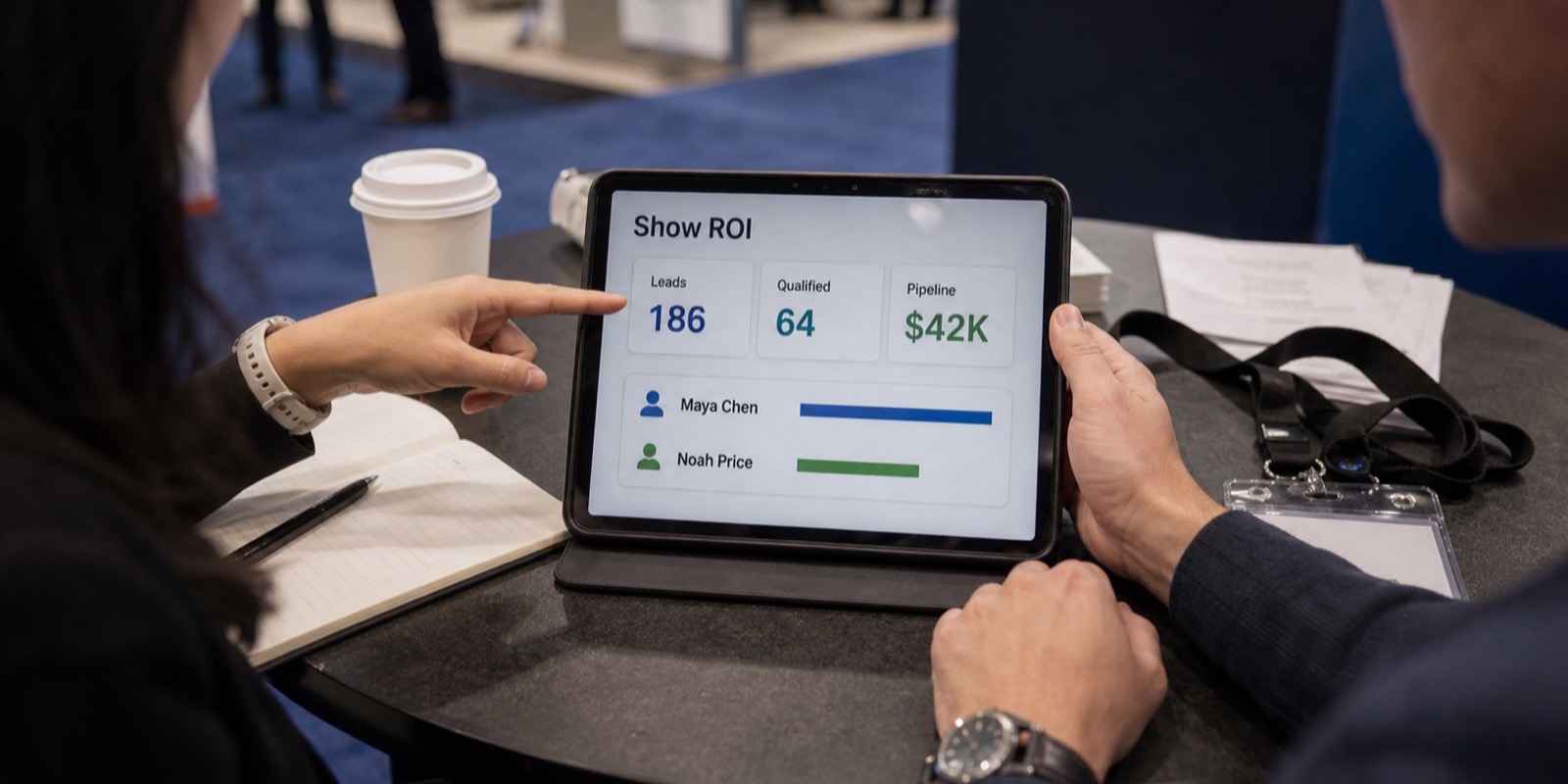
A few features round out a serious tool. Team roles and access let you decide who scans, who edits, and who sees the data, which matters once a booth team grows past a couple of people. A post-show report should tell you what the event actually produced, so you're not exporting raw rows and building it yourself. Branded capture screens keep the experience on-brand instead of showing a generic vendor logo to every attendee at the booth.
An open API is the quiet one that pays off later. If your stack does something unusual, a documented lead-ingest API with keys you can scope and revoke means you're not boxed in by the vendor's native integrations. XPO covers all four: team roles, a post-show report, branded capture screens you can preview, and an open lead-ingest API with scoped, revocable per-event keys.
The limit of the show's rented scanner
Most shows will rent you a badge scanner or a lead-retrieval app from the official registration vendor. It works, and for a small booth it can be enough. But it's built around the show, not your sales process. Qualifying questions are usually limited, the branding isn't yours, and the data often lives on a device you hand back, with export and CRM sync as an afterthought.
There's a cost angle too. According to Maritz exhibitor order forms (KBIS 2024, PRI Show 2025, and IPPE 2026), official SWAP badge scanners and app packages ranged from roughly $375 to $685 per event depending on the show and how early you ordered, and a developer's kit or API for real-time data was about $950. Per CompuSystems, a rented scanner returned late can incur a $100 late fee, and a lost unit can cost up to $1,500 to replace. The full breakdown is in XPO's lead retrieval guide.
If you exhibit at one show a year and just need to count badges, the rented scanner is a reasonable call. If you exhibit at several, want consistent data across shows, and want leads in your CRM the same day, dedicated software usually wins. Whether it's worth it for your first show is its own question, covered in is lead retrieval technology worth it for your first trade show.
A buyer checklist for trade show lead capture software
Score each vendor against the features that affect follow-up. If a tool is weak on the must-haves, the nice-to-haves don't make up for it.
| Feature | Why it matters | Priority |
|---|---|---|
| Registration/badge integration | Decides how many attendee fields each scan returns | Must-have |
| Custom qualifying questions | Turns a scan into a scored, routable lead | Must-have |
| Offline capture | Keeps scanning working when signal drops | Must-have |
| Automatic de-duplication | One person, one lead, no manual cleanup | Must-have |
| AI data cleanup | No week of spreadsheet fixing after the show | Must-have |
| Same-day CRM sync + per-lead log | Sellers get leads while warm, and you can prove it landed | Must-have |
| Team roles and access | Controls who scans, edits, and sees data | Nice-to-have |
| Post-show report | Tells you what the event produced | Nice-to-have |
| Branded capture screens | Keeps the booth experience on-brand | Nice-to-have |
| Open lead-ingest API | Flexibility for non-standard stacks | Nice-to-have |
| Live booth-traffic counter | Looks good, rarely changes a decision | Noise |
Feature checklist: what to ask before you buy
One honest note on positioning. XPO is newer to market than the incumbent rented-scanner vendors, and it's built around this checklist rather than around any one registration company. Pricing is $2,500 per event for the whole booth team plus the show's badge developer kit fee, with no per-seat fees and no contract, and you start with a pilot at one event. To compare options side by side, see the best trade show lead capture software guide or book a pilot.
Frequently asked questions
What features matter most in trade show lead capture software?
Prioritize features that affect what happens to a lead after the show. Registration and badge integration comes first, because it decides how much attendee data each scan returns. After that, custom qualifying questions, offline capture, automatic de-duplication, AI data cleanup, and same-day CRM sync with a per-lead log do the real work. Team roles, post-show reporting, branded screens, and an open API round out a strong tool. Live traffic counters and similar dashboard extras look good in a demo but rarely change your follow-up, so weigh them last.
Is the show's rented badge scanner good enough?
For a small booth at one show a year, a rented scanner can be enough to count badges and grab basic contact info. Its limits show up fast at scale: qualifying questions are usually thin, the branding isn't yours, and your data often lives on a device you return, with CRM sync as an afterthought. According to Maritz exhibitor order forms (KBIS 2024, PRI Show 2025, IPPE 2026), scanner and app packages ran roughly $375 to $685 per event, and per CompuSystems a lost unit can cost up to $1,500 to replace. If you exhibit at several shows, dedicated software usually pays off.
Why does registration system integration affect how much data I capture?
When an attendee registers for a show, they fill out a record with the registration provider: name, title, company, email, phone, sometimes interests. Scanning a badge only unlocks that full record if your lead capture software is integrated with that provider. Without the integration, a scan may return little more than a name and company. With it, you get the complete profile the attendee already entered. That's why you should ask any vendor which providers they integrate with and exactly which fields come back, rather than trusting a generic claim that they support badge scanning.
Do I need offline mode if the venue has Wi-Fi?
Yes. Show-floor Wi-Fi is shared by thousands of people and routinely buckles during peak hours, and cell signal often drops in the back of large halls. If your capture app needs a live connection to save a scan, you lose leads exactly when traffic is highest. Offline mode lets staff keep scanning no matter the signal, then syncs the data once the connection returns. It's a baseline requirement, not a premium add-on. Tools like XPO capture offline and sync automatically when signal comes back, so a dead connection never means a dropped lead.
What's the difference between this and a tool focused on CRM integration?
This is a features buyer guide. It covers the full set of capabilities that matter when choosing trade show lead capture software, from badge integration and qualifying questions to offline mode, de-duplication, reporting, and an open API. CRM sync is one feature among many here. If you specifically want to go deep on how leads flow into Salesforce, HubSpot, or another platform, including field mapping and sync reliability, the dedicated guide on lead capture tools that integrate with your CRM is the better read. Use this guide to shortlist vendors, then that one to vet the integration.
How do I test a vendor's CRM sync before buying?
Don't accept a slide. Ask for a live demo where you capture a test lead and then watch it appear in a CRM sandbox, ideally with a per-lead sync log showing when it synced and where it went. That log is the feature that settles arguments later, when a seller insists a lead never arrived. Also ask whether sync is automatic and same-day, or a manual export someone has to remember to run. A vendor confident in its integration will show the full path on a real connection. One that hedges or only shows screenshots is worth a second look.