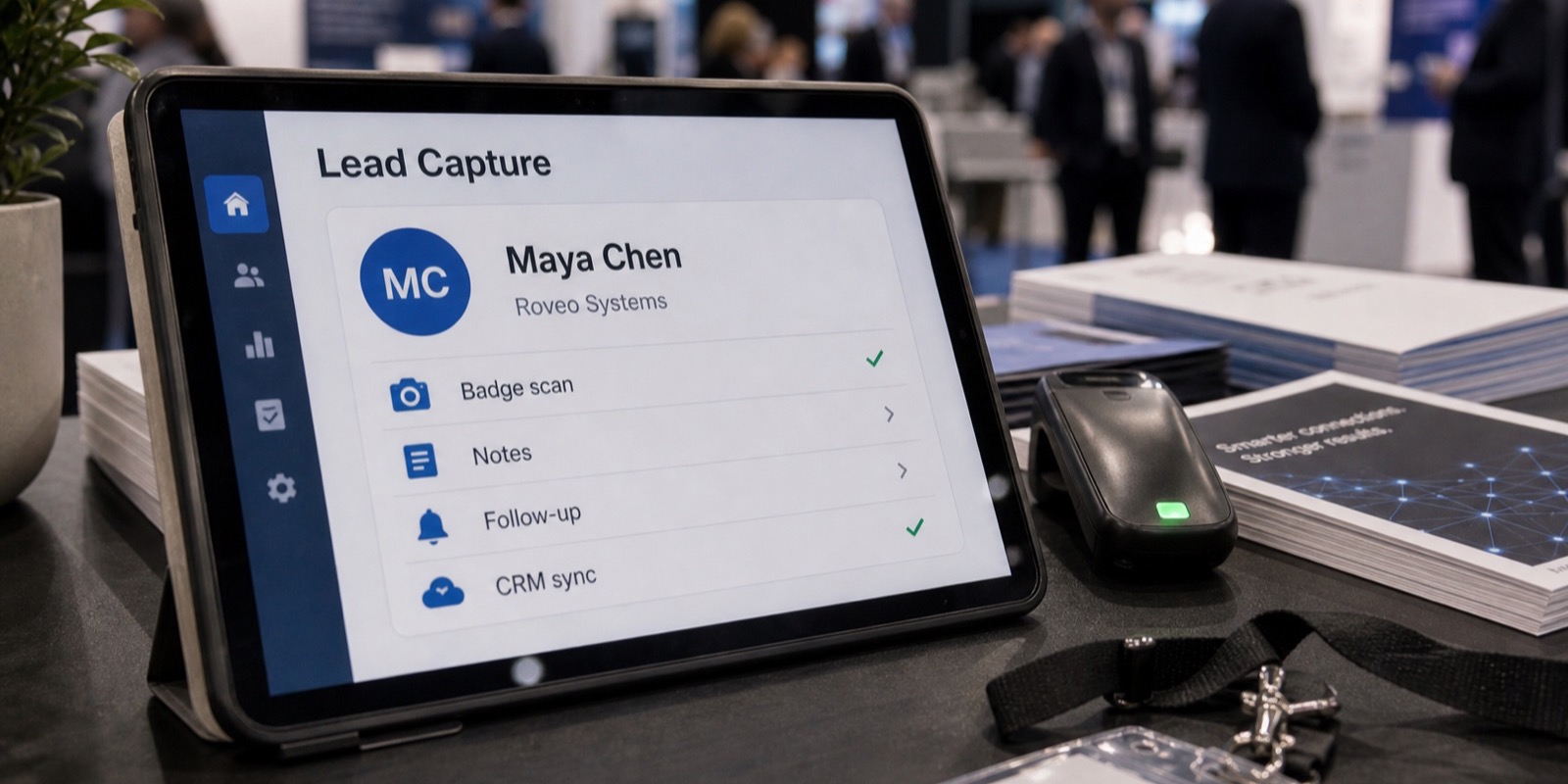
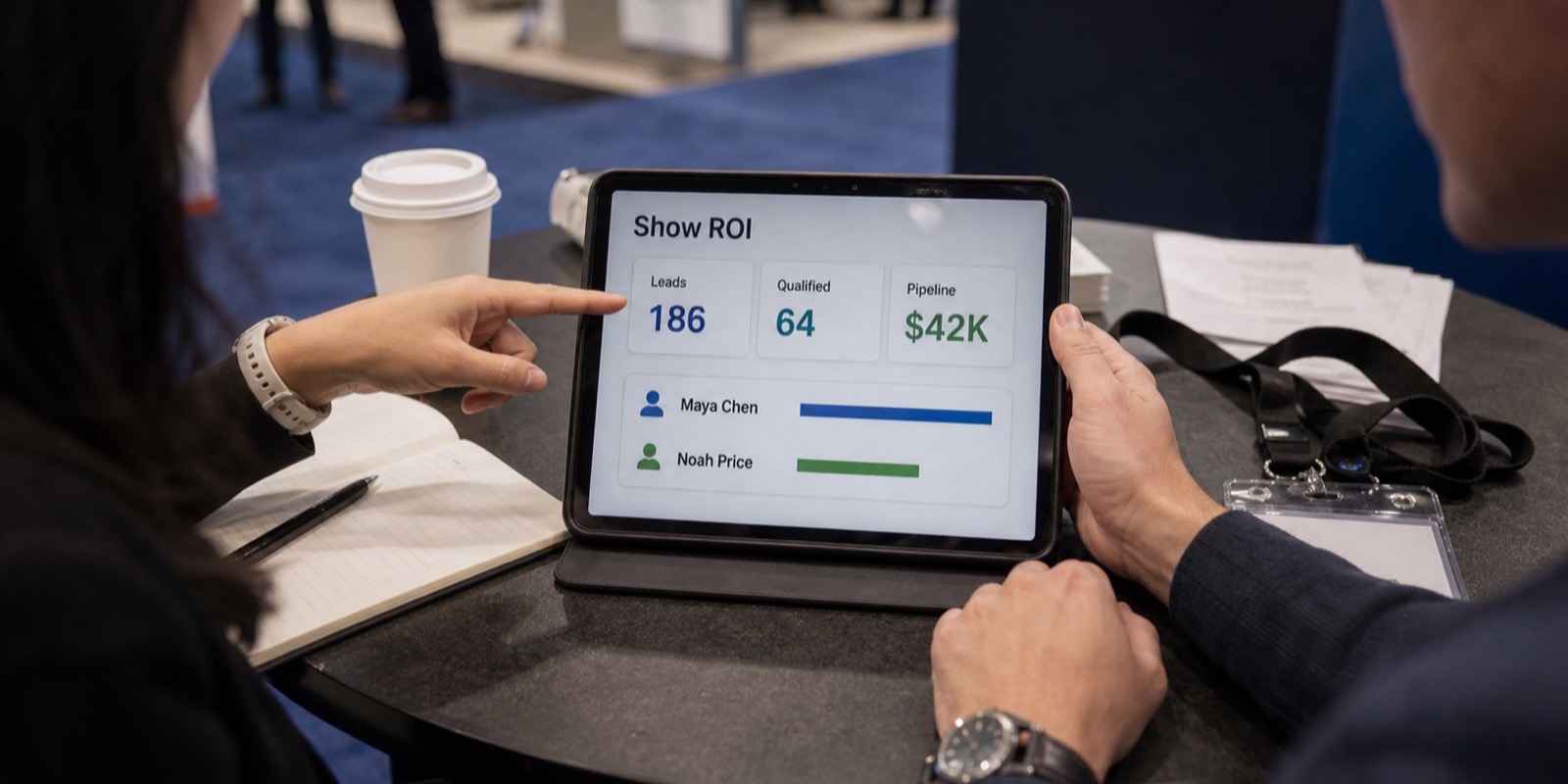
Best Trade Show Lead Capture Tools That Integrate With Your CRM
Compare trade show lead capture tools by CRM integration depth. See what good lead capture CRM integration looks like, which CRMs to expect, and what to ask vendors.
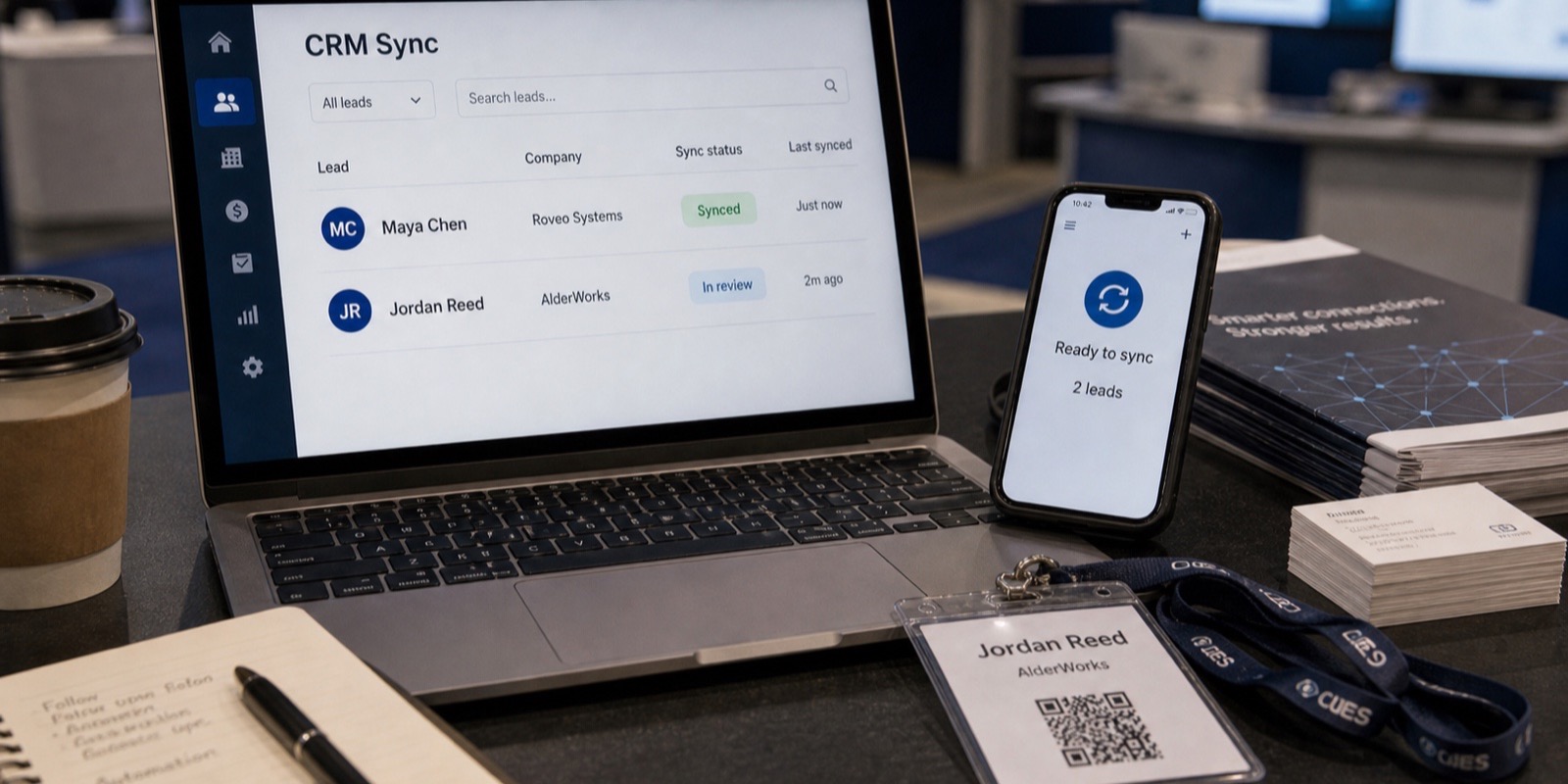
The tool that scans badges at your booth is only half the job. The other half is what happens to those leads after the scan, and that's where most lead capture tools quietly fall apart. A scanner that dumps a spreadsheet onto a USB stick technically captured the lead. It also guaranteed your reps won't touch it until the leads have cooled off.
This guide is about lead capture CRM integration specifically: how deep the connection goes, which CRMs to expect support for, and the questions that separate a real sync from a marketing checkbox. If you want the broader feature rundown, read what features actually matter in lead capture software. Here we stay on the integration.
Why CRM integration is the part that actually matters
Plenty of buyers shop lead capture tools on scan speed and qualifying questions, then treat the CRM connection as a footnote. That's backwards. The scan takes a second. The follow-up is where deals get won or lost. If leads sit in an export file until someone gets back to the office, you've turned a hot conversation into a stale row in a spreadsheet.
Integration is also where the hidden labor lives. Every lead that doesn't sync automatically is a lead someone has to type, check, and route by hand. Multiply that across a three-day show and a busy booth, and you're paying a person to do data entry instead of selling. The right connection makes that work disappear.
What CSV exports really cost you
A CSV export feels free because no one bills you for it. The cost shows up later, in three predictable ways, and it's almost always more than the price of a real integration.
- Cold leads. Manual import usually happens days after the show. By then the prospect has talked to your competitors and forgotten which booth was yours. The conversation you had on the floor is gone.
- Typos and bad data. Badge data is messy. Names get truncated, emails get misread, job titles arrive as gibberish. Hand-keying or bulk-importing that mess means bounced emails and reps calling the wrong person.
- Duplicates. The same prospect visits your booth twice, or already exists in your CRM from a webinar. A blind CSV import creates a second record, and now two reps are working the same account without knowing it.
None of this is hypothetical. It's the default outcome of moving leads by spreadsheet. The fix isn't discipline or a better naming convention. It's a tool that writes clean, de-duplicated records into your CRM without a human in the loop.
What good lead capture CRM integration looks like
"Integrates with your CRM" can mean almost anything, from a real-time API connection down to a button that emails you a file. Here's what a serious integration includes, and what to treat as a red flag.
Native / OAuth connection
You authorize the tool through your CRM's own login (OAuth), so credentials are never stored in plain text and you can revoke access anytime. This is the standard. Be wary of tools that ask you to paste API keys into a form or, worse, hand over your CRM password.
- Field mapping. You decide which captured field lands in which CRM field: badge company to Account, qualifying answers to custom fields, booth rep to Lead Owner. Without mapping, everything gets crammed into a notes box.
- Same-day or real-time sync. Leads reach the CRM during or right after the show, not next week. Same-day is the practical bar, and real-time is better.
- Per-lead sync logging. You can see exactly which leads synced, which failed, and why. A sync you can't audit is one you can't trust.
- De-duplication. The tool checks for existing records before creating new ones and updates instead of duplicating. This is the single most underrated feature.
- Leads vs Contacts handling. In Salesforce especially, the tool should know whether to create a Lead or attach to an existing Contact and Account, and let you set the rule.
The Leads vs Contacts problem most tools ignore
This one deserves its own section because it quietly breaks reporting. Salesforce, Dynamics, and others separate Leads (unqualified, not yet tied to an account) from Contacts (people already linked to an Account). A trade show scanner that always creates Leads will spawn orphan records for people who are already Contacts in your system.
Good integration lets you set the rule. Match on email, and if the person already exists as a Contact, attach the scan and its qualifying answers to that record instead of making a new Lead. For HubSpot and Pipedrive the equivalent is matching to existing Contacts and Deals. Ask vendors how they handle this. The vague ones haven't solved it.
Which CRMs to expect support for
A capable lead capture tool should cover the CRMs most B2B teams actually run, plus the marketing automation platforms that own the nurture sequence. Isn't your stack on a vendor's list? Ask whether it's on the roadmap or simply unsupported.
| Category | Platforms to expect |
|---|---|
| Core CRM | Salesforce, HubSpot, Pipedrive, Zoho CRM, Microsoft Dynamics 365 |
| Marketing automation | Adobe Marketo, Salesforce Pardot, Oracle Eloqua |
| Emerging / rolling out | Odoo, monday.com, Freshsales, Keap, Zendesk Sell |
Common CRM and marketing platforms to look for
XPO syncs qualified leads to these platforms automatically the same day over OAuth, including Salesforce, HubSpot, Pipedrive, Zoho, Dynamics 365, Marketo, Pardot, and Eloqua, with more rolling out. For teams without a native connector, there's also an open lead-ingest API with scoped, revocable per-event keys, so your ops team can pipe leads anywhere you need them.
The three kinds of tools, and how each handles the CRM
Lead capture at a show generally comes from one of three kinds of tools, and the CRM story is different for each.
- The official rented app from the show's badge vendor. Maritz, CDS, Cvent and the like rent you a scanner or app per event. It captures fine, but the CRM path is usually a manual export, and you often pay extra for the developer's kit or API that enables real-time data. According to Maritz exhibitor order forms (KBIS 2024, PRI Show 2025, and IPPE 2026), the official SWAP scanner and app packages ran roughly $375 to $685 per event, with a developer's kit for real-time data around $950, per XPO's lead-retrieval guide.
- Digital business card apps. Handy for one rep collecting a few contacts, but they're built around exchanging a card, not qualifying and routing leads at booth volume. CRM sync is often basic and per-user, which fragments your data across whoever installed the app.
- Dedicated lead capture apps. Purpose-built for exhibitors, these treat the CRM connection as a core feature rather than an add-on: native sync, field mapping, de-duplication, and qualifying questions configured per event. This is the category to shop in if integration is your priority.
There's a fourth hidden cost worth naming. Rented hardware comes with penalties. Per CompuSystems, a scanner returned late can incur a $100 late fee, and a lost unit can cost up to $1,500 to replace, per the same XPO guide. Apps that run on your own iPhone or iPad skip that risk entirely.
Questions to ask a vendor before you buy
Run any tool through these before you sign. The good ones answer fast and specifically. The weak ones get vague.
- Is the CRM connection native and OAuth-based, or do I export a file and import it myself?
- Can I map captured fields, including qualifying answers, to specific CRM fields?
- How fast do leads sync: real-time, same-day, or whenever I get around to uploading?
- How do you handle duplicates, and do you match against records already in my CRM?
- For Salesforce, do leads land as Leads or attach to existing Contacts and Accounts, and can I set that rule?
- Can I see a per-lead sync log to confirm what landed and troubleshoot what didn't?
- Does the tool clean up messy badge data, or do I do that cleanup myself before import?
- Is there an API or webhook if my CRM isn't natively supported?
Where XPO fits
XPO is trade show lead capture software built around the part most tools treat as an afterthought: getting clean, qualified leads into your CRM the same day. Your booth staff scan badges on an iPhone or iPad, capture works offline and syncs when the signal returns, and a duplicate scan never creates a duplicate lead. AI cleans up each record on capture, fixing typos and filling missing fields, so there's no cleanup queue waiting for you after the show.
Qualified leads land in your CRM the same day, each one logged so you can see exactly what synced. Pricing is $2,500 per event for the whole booth team, plus the show's badge developer kit fee, with no per-seat charges and no annual contract. XPO is newer to market than the rented incumbents, so the honest move is to start with a pilot at one event and judge the integration on your own leads. To compare options side by side, see the best trade show lead capture software guide.
Frequently asked questions
What does CRM integration mean for a lead capture tool?
It means the tool sends captured trade show leads into your CRM automatically, rather than handing you a file to import. A real integration uses a native or OAuth connection, maps each captured field to the right CRM field, de-duplicates against existing records, and logs every lead so you can confirm what synced. The strongest tools also decide whether a person becomes a new Lead or attaches to an existing Contact and Account. Without this, "integration" often just means an export button, which still leaves the manual import, cleanup, and duplicate-checking on your team.
Why is a CSV export worse than a direct CRM sync?
A CSV export delays your leads and degrades their quality. The import usually happens days after the show, so prospects go cold before anyone follows up. Badge data is messy, so a bulk import carries typos and bad emails straight into your CRM. And a blind import creates duplicate records when a prospect already exists or visited twice. A direct sync avoids all three: leads reach reps the same day, the data is cleaned on capture, and de-duplication updates existing records instead of spawning new ones. The export only looks free because the cost shows up later as missed follow-ups.
Which CRMs do trade show lead capture tools usually support?
Expect coverage of the major B2B CRMs: Salesforce, HubSpot, Pipedrive, Zoho CRM, and Microsoft Dynamics 365. Many tools also connect to marketing automation platforms like Adobe Marketo, Salesforce Pardot, and Oracle Eloqua, since those often run the nurture sequence after a show. Newer connectors for Odoo, monday.com, Freshsales, Keap, and Zendesk Sell are increasingly common too. If your platform isn't natively supported, look for an open API or webhook so your ops team can route leads in. XPO supports the major CRMs and marketing platforms over same-day OAuth sync and offers an API for everything else.
How fast should leads sync to my CRM after a trade show?
Same-day is the practical bar, and real-time is better. Trade show leads are warmest in the first day or two after a conversation, so any delay costs you. Same-day sync means a lead scanned on the floor at 10am is in your CRM and assigned to a rep that afternoon, ready for follow-up while the prospect still remembers the booth. Tools that rely on a manual export at the end of the show, or after you get back to the office, push that window out by days. XPO pushes qualified leads into your CRM the same day and logs each one so you can confirm it arrived.
What's the difference between leads landing as Leads versus Contacts?
In CRMs like Salesforce and Dynamics, a Lead is an unqualified person not yet tied to an account, while a Contact is already linked to an Account. If a lead capture tool always creates Leads, it spawns duplicate, orphaned records for people who already exist as Contacts in your system, which breaks reporting and creates confusion about who owns the account. Good integration lets you set a matching rule, usually on email, so an existing Contact gets the new scan and qualifying answers attached instead of a duplicate Lead. Ask any vendor how they handle this specifically. Vague answers mean they haven't.
Do I still need de-duplication if my CRM already merges duplicates?
Yes, because CRM merge tools are reactive and imperfect. They catch some duplicates after the fact, often requiring manual review, and they miss records that differ by a typo or a slightly different email. A lead capture tool with built-in de-duplication prevents the duplicate from being created in the first place, both within the show's leads and against records already in your CRM. That's cleaner and far less work than merging afterward. With XPO, a duplicate scan never creates a duplicate lead, and the sync checks existing records before writing, so your reps don't end up working the same account twice.