Manual vs Automated Lead Capture at Trade Shows: Pros and Cons
Manual vs automated lead capture at trade shows: honest pros and cons on speed, accuracy, cost, data quality, and follow-up, plus when each one makes sense.
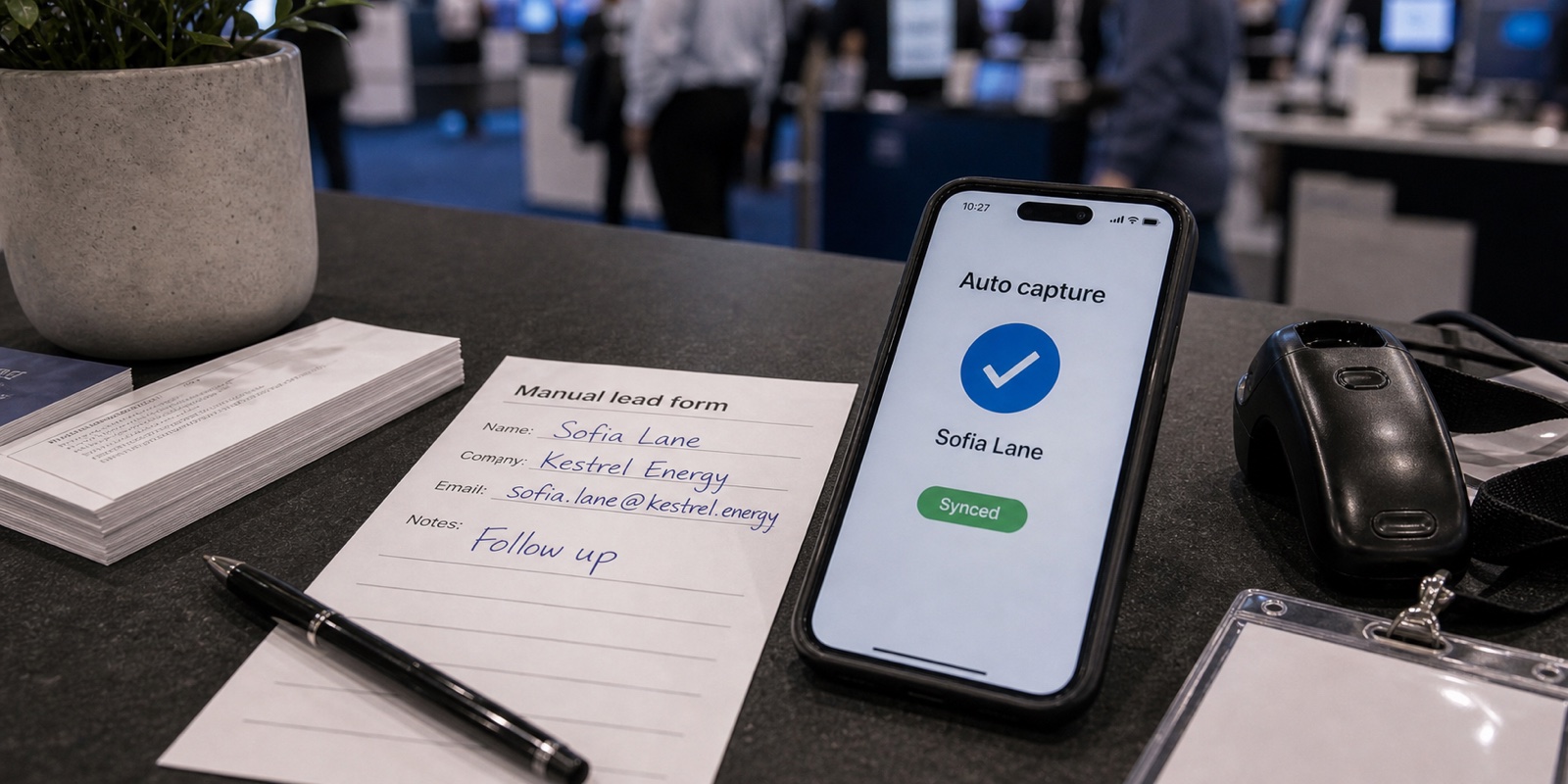
Every exhibitor lands on one of two workflows. Either someone jots names on a clipboard, drops business cards in a bowl, and types it all up the week after the show, or staff scan badges into an app that asks qualifying questions and pushes clean records to the CRM before they leave the hall.
Both work. Which one fits depends on your booth size, your lead volume, and how fast your sales team needs to call. Here are the honest tradeoffs of manual vs automated lead capture on accuracy, speed, cost, data quality, and follow-up, and where the line actually sits.
What each workflow actually looks like
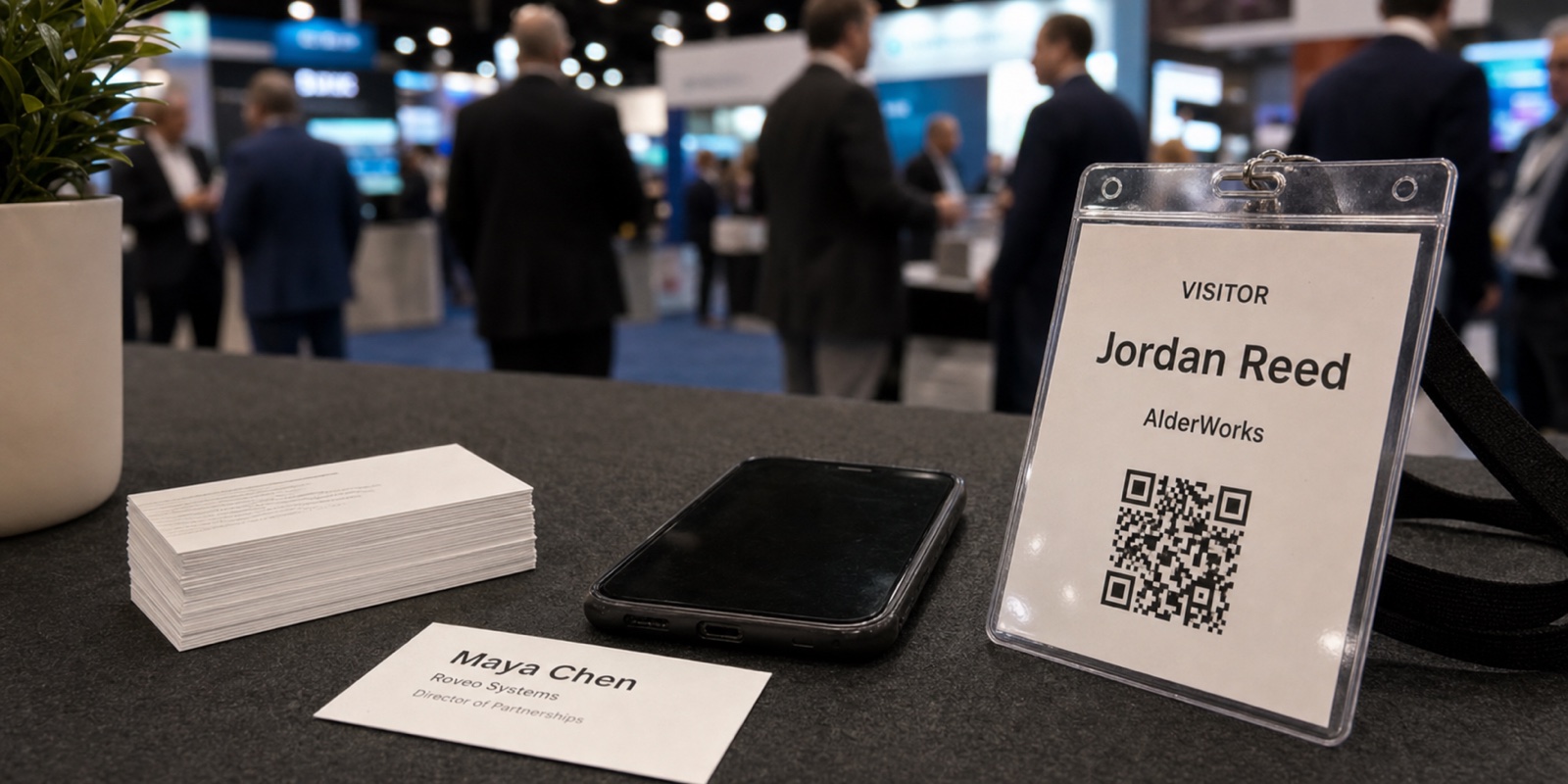
Manual capture means whatever a person can record by hand. That's a paper lead form on a clipboard, a stack of business cards held with a rubber band, a fishbowl raffle that trades a giveaway for a card, or notes scribbled on the back of a brochure. After the show, someone sits down and types every record into a spreadsheet or the CRM.
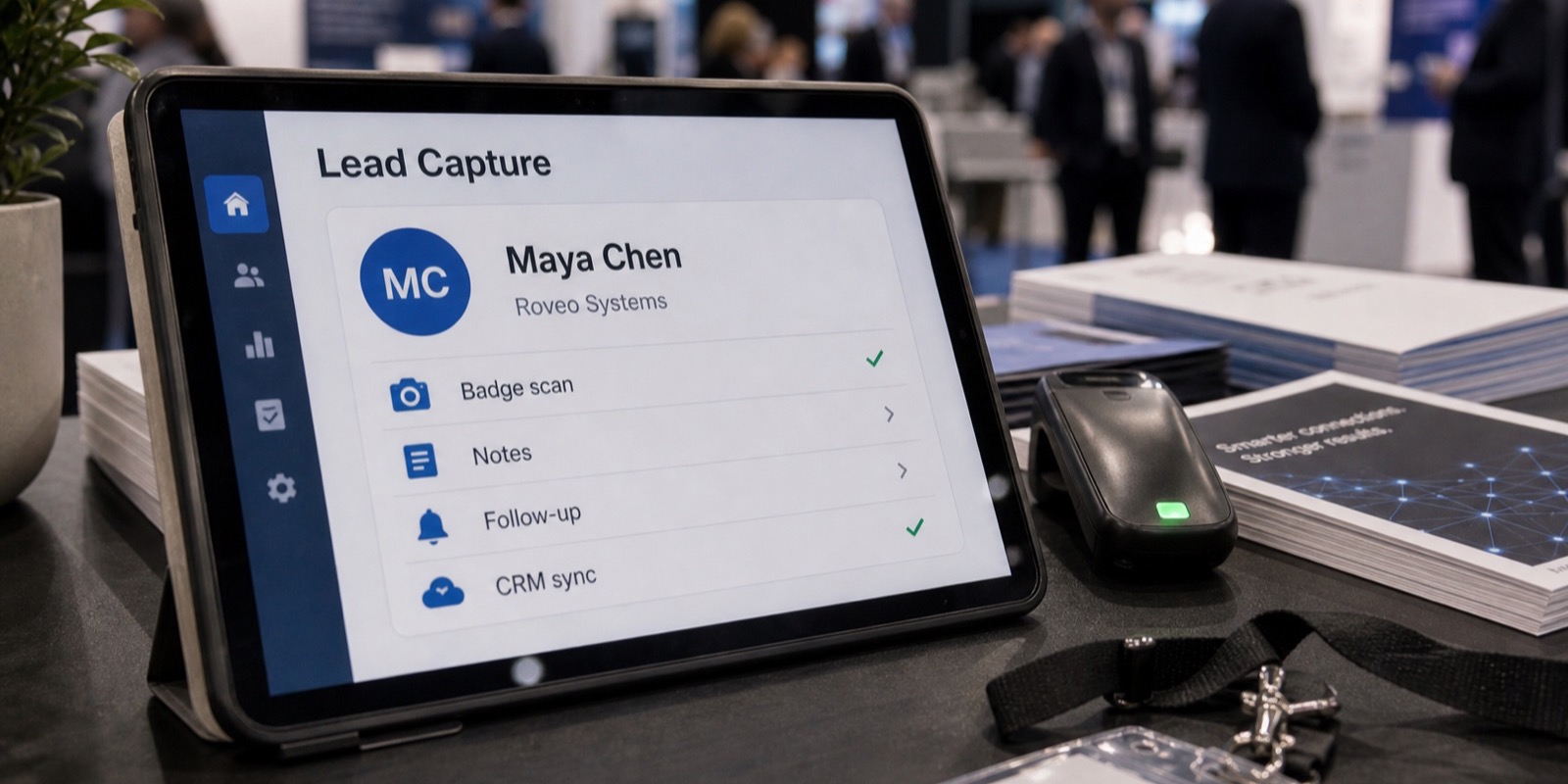
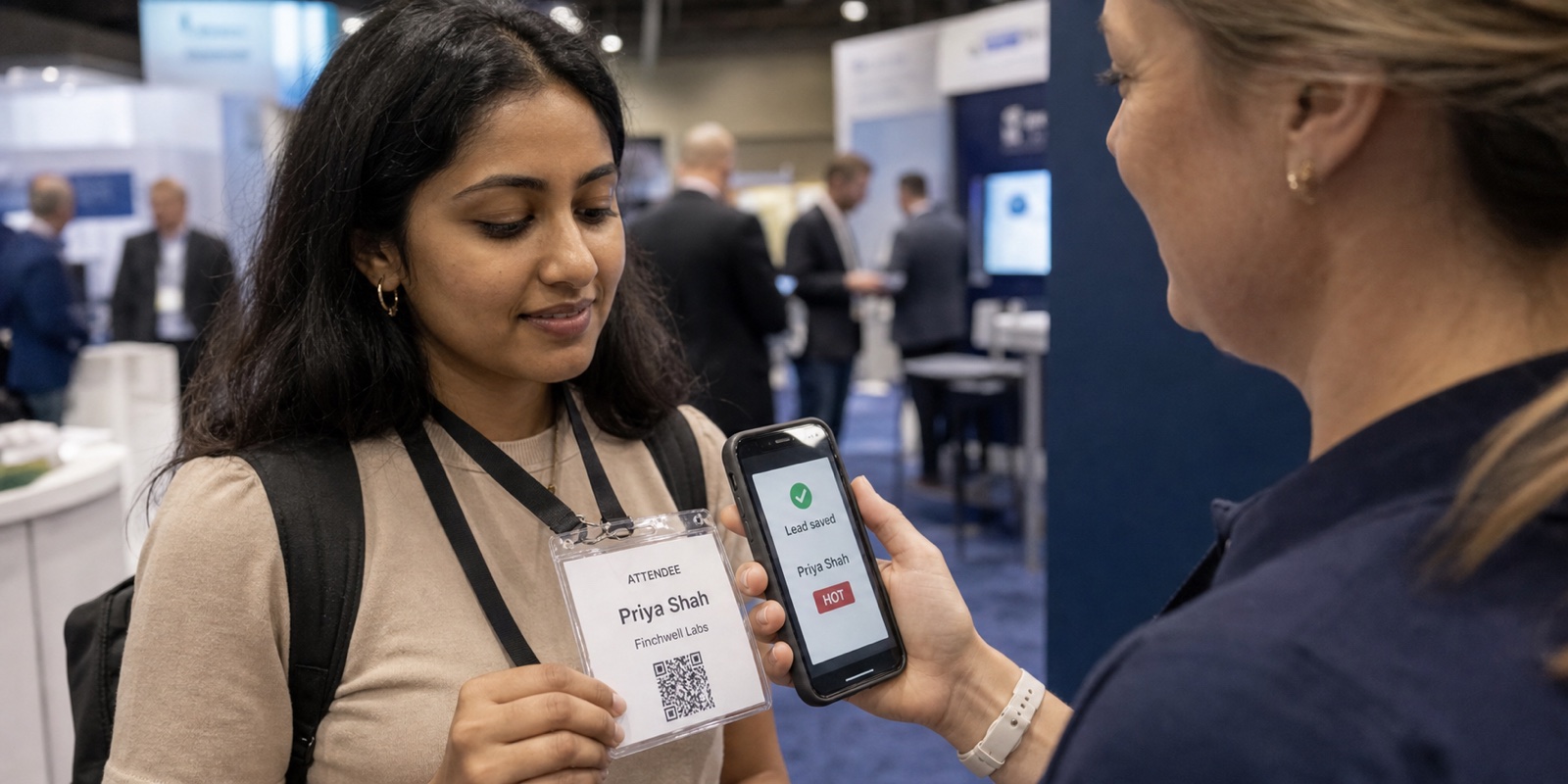
Automated capture means a digital tool does the recording. Staff scan an attendee's badge with a phone or tablet, the contact details fill in on the spot, a few qualifying questions get tapped in, and the lead syncs to your CRM. No card pile, no keying in data later. XPO works this way: booth staff scan a badge on an iPhone or iPad, answer the event's qualifying questions, and the qualified lead syncs the same day.
Lead retrieval
The system a show uses to turn a scanned attendee badge into a contact record an exhibitor can keep. It can be a rented scanner from the show's vendor or your own app connected to the show's badge feed. The lead retrieval guide goes deeper.
Manual lead capture: pros and cons
The appeal of manual is obvious. There's nothing to set up, nothing to learn, no integration to approve. A pen and a stack of forms cost almost nothing, and a business card carries a title, company, and direct line in one tidy package. For a one-person booth at a small regional show, that's often enough.
The cost shows up after the show. Handwriting gets misread, cards get lost, and someone burns a day or two typing records into the CRM, introducing typos along the way. Every hour spent on data entry is an hour your leads sit untouched while a competitor who scanned is already calling. A fishbowl makes it worse. You trade real qualification for a pile of cards from people who only wanted the raffle.
- Pros: no setup, near-zero cost, works anywhere, business cards are rich and familiar, easy for a tiny team.
- Cons: slow at the booth during a rush, error-prone transcription, no built-in qualification, lost cards, days of cleanup, follow-up that starts a week or two late.
Automated lead capture: pros and cons
Automation fixes the parts of manual that hurt most. A badge scan pulls accurate contact details in a second, so there's no rush to write legibly or guess at an email later. Qualifying questions are built into the flow, which means every lead arrives with budget, timeline, or product interest already attached instead of a vague memory of the conversation.
Then there's speed to sales. Records reach the CRM the same day, so reps follow up while the conversation is fresh. With XPO, AI cleans up each lead on capture, fixing typos and filling missing fields, and qualified leads sync over OAuth to platforms like Salesforce, HubSpot, and Pipedrive automatically. A duplicate scan never creates a duplicate lead, and capture keeps working offline when the hall WiFi dies.
The honest downside is setup and cost. You have to get the show to approve a badge data feed, pay the registration vendor's developer kit fee, write your qualifying questions ahead of time, and connect your CRM. None of it is hard, but it's not zero. Skip the prep and the tool can't qualify or sync the way it should.
- Pros: fast at the booth, accurate contact data, built-in qualification, no manual cleanup, automatic CRM sync the same day, works offline, no duplicate leads.
- Cons: real setup before the show, a developer kit fee on top of the software, questions you have to write in advance, and it's overkill for a tiny lead count.
Manual vs automated lead capture, side by side
| Factor | Manual (forms, cards, fishbowl) | Automated (badge scan + CRM sync) |
|---|---|---|
| Speed at the booth | Slows down during a rush | A scan and a few taps |
| Contact accuracy | Depends on handwriting and the card | Pulled straight from the badge |
| Qualification | Relies on memory and notes | Built into the capture flow |
| Data entry after the show | Hours or days of typing | None, it's already synced |
| Follow-up speed | Starts a week or two later | Same day |
| Upfront cost | Near zero | Software plus a developer kit fee |
| Best for | Tiny booths, low lead counts | Busy booths, real pipeline goals |
How the two workflows compare on the things that matter at a booth.
When manual is genuinely fine
Don't automate for the sake of it. If you're a solo founder at a 10-by-10 booth at a small show and you expect maybe a dozen real conversations over two days, paper and business cards will do the job. You'll have time to type a dozen records yourself, and the setup effort of an automated feed wouldn't earn its keep.
Manual also makes sense when a show has no lead retrieval option at all, or when you genuinely can't get a badge feed approved in time. In that case, capture cleanly by hand and type in the hottest conversations first so follow-up doesn't stall.
When automation pays off
Volume is the usual tipping point. Once a booth gets busy enough that handwriting can't keep up, manual starts costing you leads, not saving you money. Two staffers working a steady line capture far more, and far cleaner, with a scan than with a clipboard.
Follow-up speed is the next one. If your sales cycle rewards a call within 48 hours, the week or two that manual cleanup adds is real lost pipeline. The last is qualification. When you need to route leads by territory, score them, or hand reps a clear next step, you want structured answers captured live, not reconstructed from memory. The best trade show lead capture software guide covers what to look for there.
Never used lead retrieval before? The honest move is to pilot it at one event and measure what it produces against your usual manual haul. XPO is newer to market than the big incumbents, and it's built around exactly that: a single-event pilot with a post-show report so you can judge it on results.
The cost comparison nobody runs honestly
Manual looks free because the costs hide in labor and lost time. Automated looks expensive because the costs sit on an invoice. Compare them properly and the gap narrows fast, because the show bills you for scanning whichever route you pick.
So even the manual-adjacent route, renting the show's scanner, runs a few hundred dollars and exports a CSV you still have to clean and import. XPO is $2,500 per event for the whole booth team, plus the show's badge developer kit fee quoted up front, with no per-seat fees and no contract. The pricing page has the full breakdown. The question isn't whether scanning costs money. It's whether you also want clean data and same-day sync for what you're already spending.
Frequently asked questions
Is automated lead capture worth it for a small booth?
Not always. If you have a small booth and expect only a handful of real conversations, manual capture with business cards or a paper form is fine, and the setup effort of an automated badge feed won't pay back. Automation earns its cost once volume climbs, follow-up speed matters, or you need structured qualification you can route and score. Same rule of thumb from earlier applies: if typing every lead in the next morning sounds manageable, stay manual; if it sounds like a lost day, scan.
What's wrong with collecting business cards at a trade show?
Business cards are rich and familiar, so for a tiny lead count they're fine. The problems show up at volume. Cards get lost, they carry no record of what you actually talked about, and someone has to type every one into the CRM after the show, which adds errors and days of delay. A fishbowl raffle is worse, since it trades real qualification for a pile of cards from people who only wanted the giveaway. Scanning a badge instead pulls accurate contact data and captures qualifying answers live.
How much faster is badge scanning than manual capture?
At the booth, a badge scan plus a few qualifying taps takes a few seconds, versus the time it takes to legibly write a name, company, and email by hand. The bigger gap is after the show. Manual capture adds hours or days of typing before sales can act, while automated tools sync to the CRM the same day. With XPO, AI cleans each lead on capture and qualified records sync automatically, so there's no post-show data entry and reps can call while the conversation is still fresh.
What does automated lead capture actually require to set up?
More than nothing, but not much. You need the show to approve a badge data feed, which means paying the registration vendor's developer kit fee, and you write your qualifying questions before the show. You also connect your CRM once so leads sync automatically. XPO integrates with badge providers like Maritz, CDS, Cvent, and RainFocus, and can work with any provider a show uses. The honest caveat: skip the prep and the tool can't qualify or sync the way it should, so block out an hour beforehand.
Can you mix manual and automated capture at the same show?
Yes, and plenty of teams do as a fallback. If a badge scan fails or an attendee's record is incomplete, jot the details and add them later. But running both as your main plan usually creates two messy data sets you have to reconcile. It's cleaner to pick automated capture as the default and keep paper only for the rare exception. If the show offers no lead retrieval at all, capture by hand and type your hottest leads in first so follow-up doesn't stall.
Does manual capture cost less than automated once you add it up?
Often less than it looks, because manual costs hide in labor and lost time while automated costs sit on an invoice. The show vendor charges for scanning either way. According to Maritz order forms, badge scanner packages ran roughly $375 to $685 per event. So even renting the show's scanner isn't free, and you still get a CSV to clean. The real comparison is whether you want clean data and same-day CRM sync for what you're already spending, instead of a day of typing.