What Trade Show Lead Data Should You Collect From Every Booth Visitor?
A field-by-field guide to trade show lead data: identity, firmographics, qualification, conversation context, and consent, plus what's required vs optional.
The data you collect at the booth decides how good your follow-up is two weeks later. Capture too little and the lead is a name with no context. Capture too much and your scan takes ninety seconds while three other prospects walk past.
The fix is knowing which fields are essential and which can wait. Grab the trade show lead data you can't reconstruct later, let software fill the rest, and keep capture fast enough that nobody resents standing at your counter.
The five buckets of trade show lead data
Every field worth collecting falls into one of five groups: identity and contact, firmographics, qualification, conversation context, and consent. Most teams over-invest in the first two, which the badge already gives you, and skip the last three, which you can never get back once the prospect leaves.
- Identity and contact: name, title, email, phone, company. Mostly from the badge.
- Firmographics: company size, industry, role seniority, buying authority.
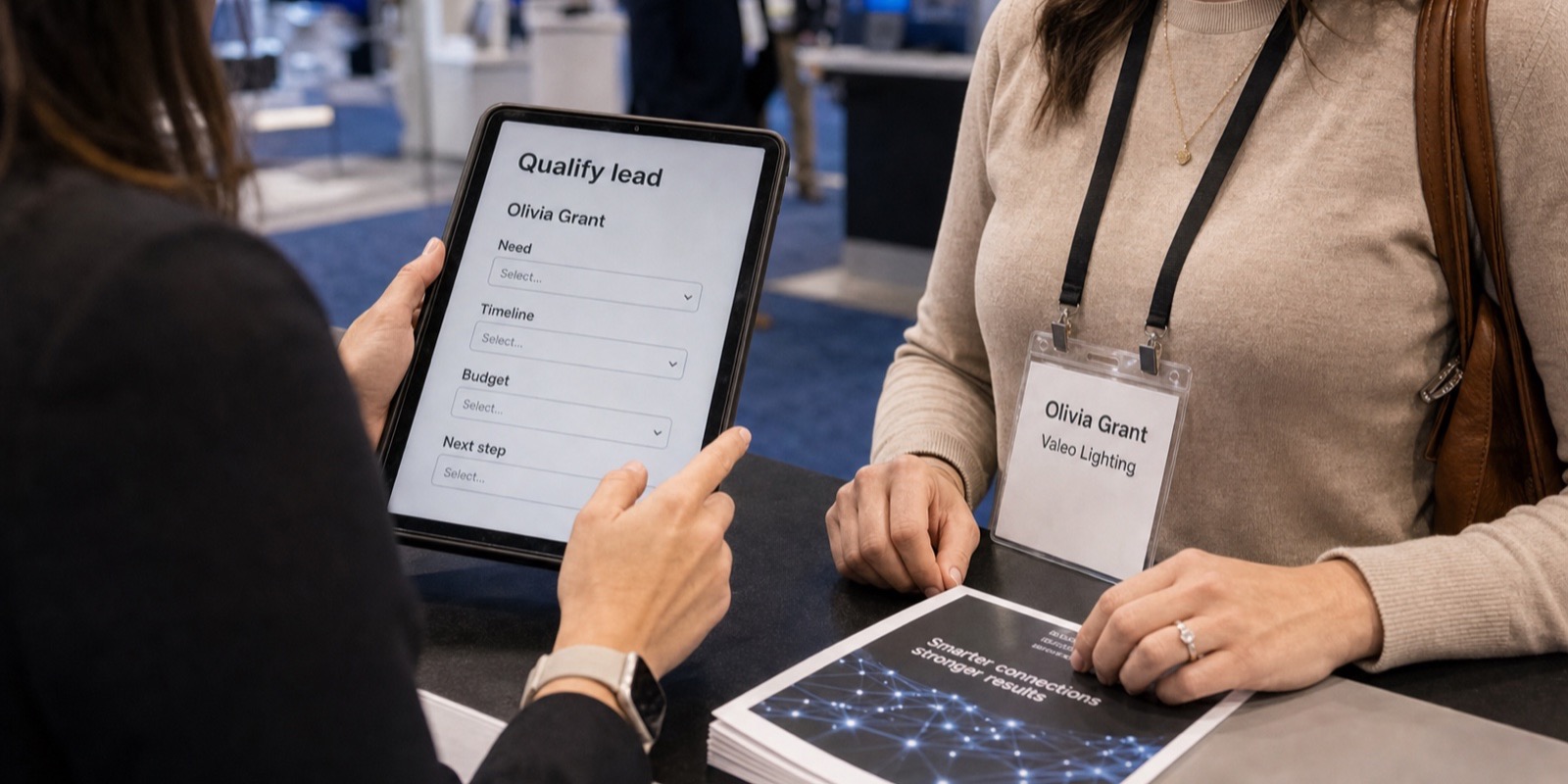
- Qualification: need, timeline, budget signal, and fit against your ideal customer.
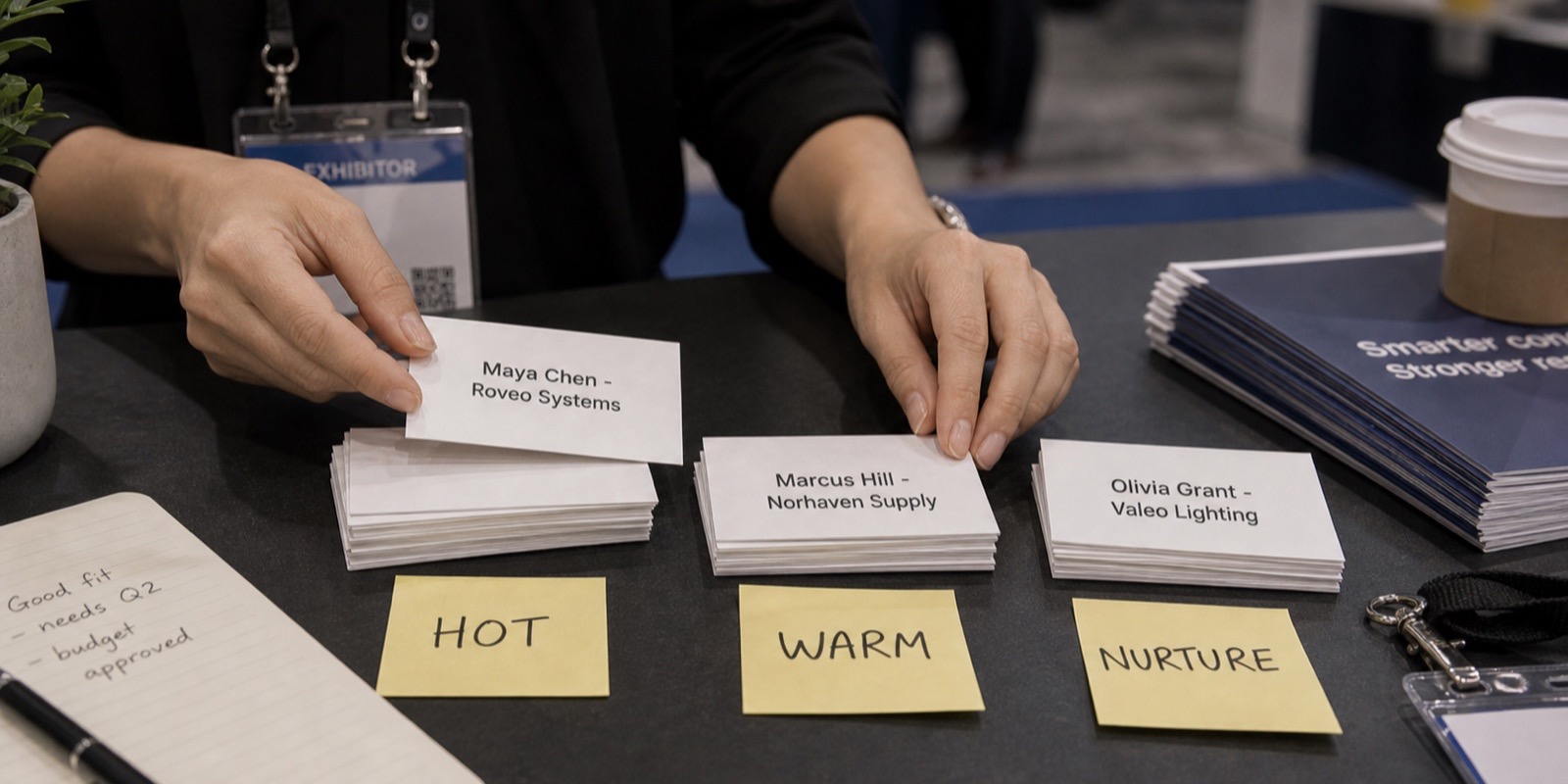
- Conversation context: what they asked, what you promised to send, which rep, which product, booth location.
- Consent: their agreement to be contacted, plus the source and timestamp.
The badge scan covers the first bucket and part of the second for free. Your real job at the counter is the middle three, because nobody else is going to capture them for you.
Identity and contact: let the badge do the work
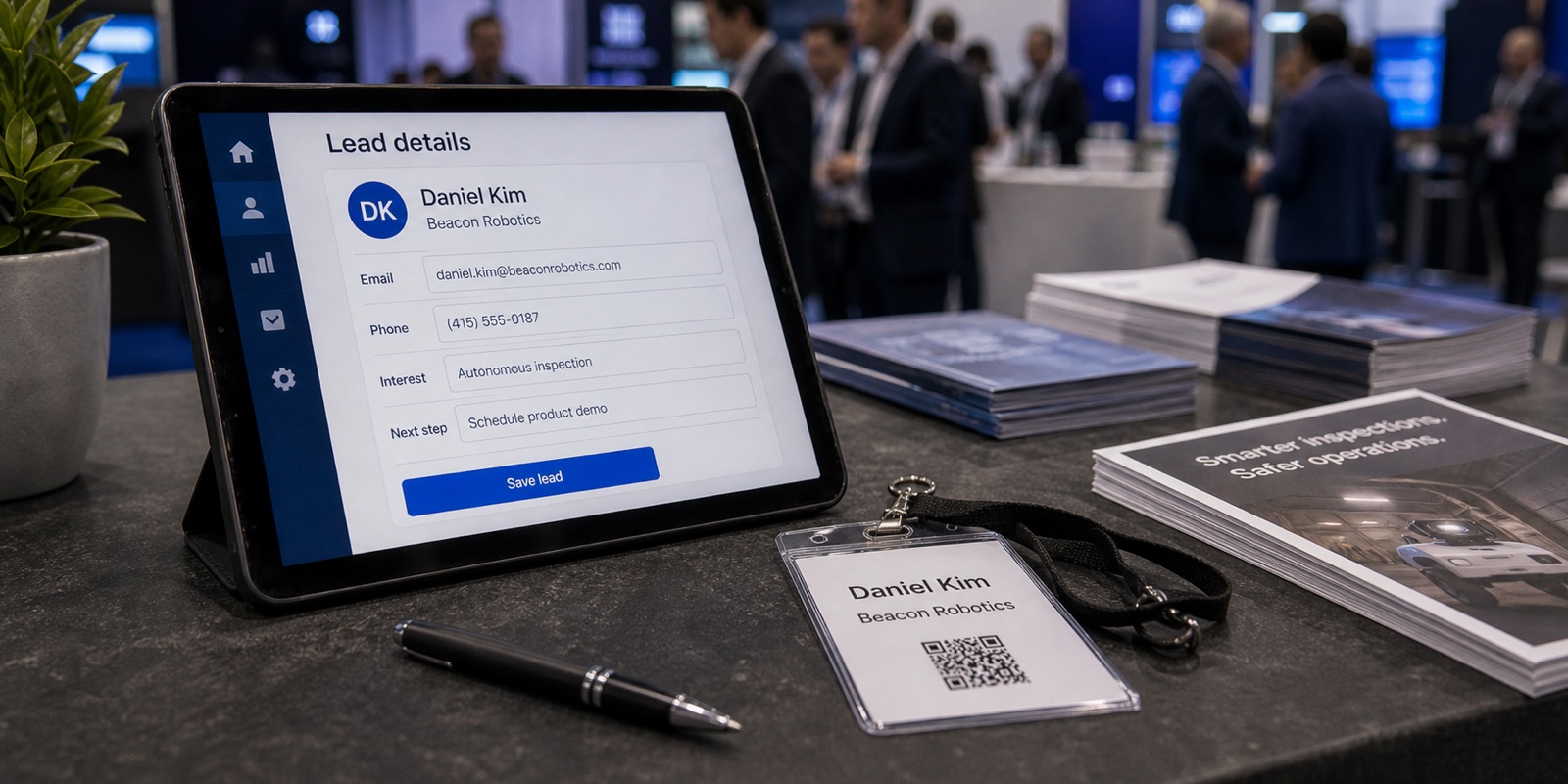
Name, title, email, phone, and company usually live on the attendee badge. Scan it and you pull a structured record instead of squinting at a business card or asking someone to spell their last name at a loud booth. That's the single biggest reason to use lead retrieval over a notepad.
Badge data is first-party data the attendee already agreed to share when they registered for the show. They opted in, the registration vendor verified it, and the fields are clean at the source. With XPO's lead capture, staff scan the badge on an iPhone or iPad and the record lands in seconds, even offline, syncing when the signal returns.
Firmographics: is this lead worth a rep's time?
Firmographics are the company facts that tell sales whether to prioritize the lead: company size, industry, the person's role, and whether they can actually buy. A director of operations at a 2,000-person manufacturer is a different lead than a student or a competitor scouting your booth, even if both scan identically.
Some of this rides along with the badge. The rest you infer from a short conversation or fill in after the show with enrichment. Don't try to type a company's annual revenue into a form at the booth. Capture the role and the buying-authority signal while you're talking, and let a data tool append the firmographic detail later.
Qualification data: the fields you can't reconstruct later
This is the data that decays the moment the prospect walks away: their specific need, their timeline, any budget signal, and how well they fit what you sell. You won't remember which of forty people mentioned a Q3 rollout unless you wrote it down at the counter.
In XPO you configure these as qualifying questions per event (text, number, yes/no, or multi-select), and answers are validated as they come in. Keep it to two or three questions so capture stays fast. For wording that gets honest answers, see the best questions to ask prospects at a trade show, and for turning answers into a priority order, a simple lead scoring framework.
Conversation context: what makes follow-up actually land
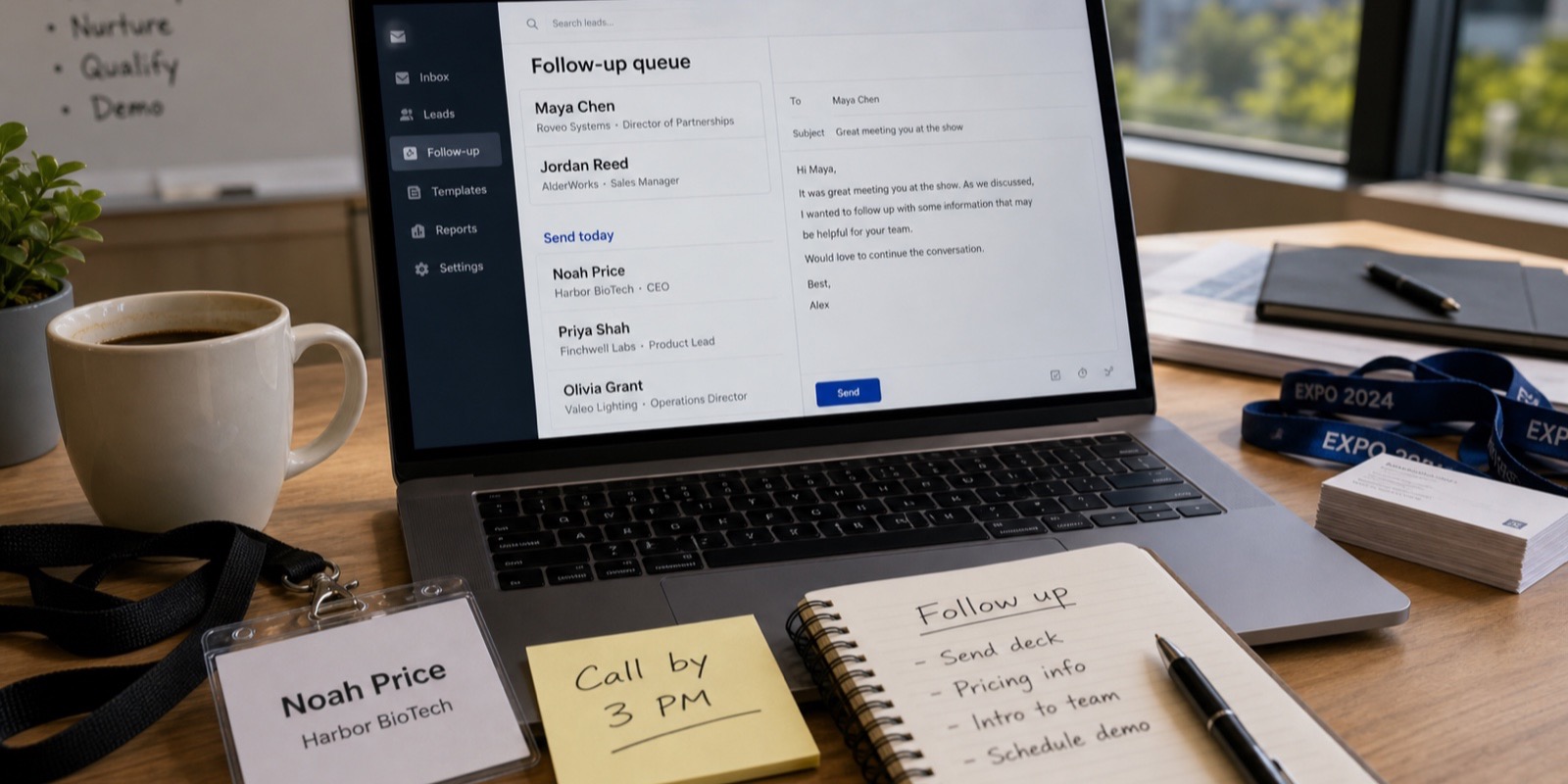
Contact info gets you an email address. Context gets you a reply. The difference between "Thanks for visiting our booth" and "Here's the integration spec sheet you asked about, per our chat with Dana about your Salesforce migration" is three small fields captured at the counter.
- What they asked about, in a sentence or a tag.
- What you promised to send (a quote, a demo, a spec, a sample).
- Which rep talked to them, so the right person follows up.
- Which product or use case came up.
- Booth location or station, useful at large multi-product stands.
None of this comes from the badge. It comes from the rep, in the moment, which is why fast capture matters. If logging it takes too long, staff skip it and you're left with a clean contact and zero memory of the conversation. Good context is also what makes following up before leads go cold fast instead of guesswork.
Consent: small field, big consequences
Record that the lead agreed to be contacted, and capture the source and timestamp alongside it. Scanning a badge is generally treated as the attendee sharing their info with you for follow-up, since they opted into the show's data sharing at registration. Your follow-up emails still have to respect marketing-consent rules wherever the prospect is based.
First-party data
Information a person knowingly gives you directly, like a scanned trade show badge, rather than data bought from a third party or inferred from tracking. It's the data attendees already agreed to share, which makes it cleaner and lower-risk to use in follow-up.
Keep consent as a captured field, not an assumption. A clear yes/no on the lead record protects you later and tells marketing which contacts can go into a nurture sequence versus which only get a one-to-one reply from the rep.
The field-by-field checklist
Here's the practical breakdown. Required fields are the ones that make a lead usable. Optional fields improve it but shouldn't slow the scan. The guiding rule: if a tool can append it later, it's optional at the booth.
| Field | Why it matters | Required or optional |
|---|---|---|
| Name | Identifies the lead; addresses the follow-up | Required (from badge) |
| Primary follow-up channel | Required (from badge) | |
| Company | Routing, dedup, account matching | Required (from badge) |
| Job title / role | Signals seniority and influence | Required (from badge) |
| Phone | Backup channel for high-priority leads | Optional (from badge) |
| Buying authority | Whether they can decide or just influence | Required (ask) |
| Need / problem | What they're actually trying to solve | Required (ask) |
| Timeline | Sorts now from someday | Required (ask) |
| Budget signal | Early read on deal size and seriousness | Optional (ask) |
| What you promised | Makes follow-up specific and credible | Required (rep) |
| Rep who spoke to them | Routes the follow-up to the right person | Required (rep) |
| Product / use case | Tailors the message and the next step | Required (rep) |
| Consent to contact | Governs how you can follow up | Required (capture) |
| Company size / industry | Prioritization and segmentation | Optional (enrich) |
| Booth location / station | Context at large multi-product stands | Optional (rep) |
Trade show lead data: field, why it matters, and whether to capture it at the booth
Notice how many "required" fields come straight from the badge or from one short conversation. You're not building a survey. You're capturing five or six things by hand and letting the scan plus enrichment handle the rest.
Why you should collect fast and enrich after
The tradeoff is real. Every extra field you ask for at the counter costs seconds and risks the prospect tuning out. So split the work: capture what only exists in that moment (the qualification answers, the context, the consent) and defer anything a database can fill in afterward.
XPO leans on this split. AI cleans up each lead on capture, fixing typos and standardizing formatting so reps don't redo it after the show. Qualified leads then sync to your CRM the same day over OAuth with a per-lead sync log, so the enriched record is in Salesforce or HubSpot before the carpet's rolled up. See how it works or book a pilot if you want to test it at one event. For more on the category itself, our guide to lead retrieval covers how badge data and scanners fit together.
Frequently asked questions
What is the minimum data you need to capture from a trade show lead?
At minimum, capture name, email, and company (all usually from the badge scan), plus one qualification signal like timeline or stated need, and a note on what you promised to send. That's enough to follow up specifically and route the lead to the right rep. Everything else, including phone, company size, and industry, can be enriched after the show or pulled from the badge automatically. The goal is to grab what only exists in that conversation and let software fill the structured contact and firmographic details later, so your scan stays fast and the prospect doesn't lose patience at the counter.
Is scanning a badge enough, or do I still need to ask questions?
The badge gives you clean identity and contact data, and often some firmographics, but it tells you nothing about why the person stopped by. It can't capture their timeline, their actual need, what you promised them, or which rep they spoke to. Those fields only exist in the conversation. So scan the badge to skip the typing, then ask two or three qualifying questions to capture the data that decays the second they walk away. The badge handles the who; you handle the why and the what's next.
Is trade show badge data considered first-party data?
Yes. When an attendee registers for a show and lets their badge be scanned at your booth, they're knowingly sharing their information with you directly. That makes it first-party data, the data they agreed to share, rather than third-party data bought from a broker or inferred through tracking. First-party data is cleaner, more accurate, and lower-risk to use. That said, the act of scanning doesn't override marketing-consent rules in the prospect's region, so still record a clear consent field and respect it when you build follow-up sequences.
How many qualifying questions should I ask at the booth?
Two or three is the sweet spot. Each question you add costs seconds and increases the chance a busy attendee disengages, so spend them on data you can't get any other way. Timeline, the specific problem they're solving, and buying authority cover most of what sales needs to prioritize. Anything firmographic, like company size or revenue, should be enriched after the show rather than asked at the counter. If you're deciding exactly what to ask and how to phrase it, the wording matters as much as the count, since vague questions get vague answers.
What's the difference between qualification data and conversation context?
Qualification data is about whether the lead is worth pursuing: their need, timeline, budget signal, and fit against your ideal customer. Conversation context is about making the follow-up land: what they asked about, what you promised to send, which rep spoke to them, and which product came up. Qualification tells you who to prioritize; context tells you what to actually say. Both come from the conversation rather than the badge, and both are easy to lose. A lead with strong qualification but no context gets a generic email. With both, your follow-up reads like you remember them, because you do.
Can lead capture software fill in missing fields automatically?
To a degree, yes. Tools clean and standardize what you capture and can append firmographic details like company size or industry from external data. XPO's AI handles that cleanup as the lead comes in, so the record is usable without anyone fixing it by hand later. But software can't invent the parts that only existed in the conversation, like the prospect's timeline, what you promised, or their real need. Enrichment is for the structured, lookup-able data. The judgment and context still have to be captured by the person at the booth, which is exactly why you keep capture fast enough that reps actually do it.