How to Qualify Leads at a Trade Show: A Simple Scoring Framework
How to qualify leads at a trade show with a simple scoring framework: score fit, need, authority, and timeline, then tier leads hot, warm, or cold to route follow-up.
Every booth produces two kinds of scans: people who might actually buy, and people who wanted the tote bag. Capturing leads isn't the hard part. The hard part is telling those two groups apart before your sales team burns a week chasing badges that were never going anywhere.
Qualification is how you sort them. You don't need a 20-field form or a discovery call at the booth. What you need is a small, repeatable way to read a conversation and turn it into a number, so the right leads get a same-day call and the rest get a nurture email. This post is the scoring and routing system. For the wording of what to actually ask, that's a separate piece worth its own time.
What lead qualification actually means at a trade show
Lead qualification is the call you make about whether a person is worth your sales team's time, and how soon they're likely to buy. At a show, you're making that call in the time it takes to hand someone a flyer. You're not after a perfect read. You want a good-enough read, recorded the same way every time, so the leads sort themselves once you get home.
Lead qualification
The process of judging how well a lead matches who you sell to (fit), whether they have a problem you solve (need), and how ready they are to act (authority and timeline). A qualified lead is one your team should follow up with, and the score tells you how urgently.
The reason this matters is bandwidth. Picture a busy show that leaves you with a few hundred scans and two reps to work them. Without a score, those reps either call everyone and burn out on tire-kickers, or cherry-pick from memory and forget the good ones by Thursday. A simple framework fixes both by making the judgment explicit and writing it down while it's fresh.
A lightweight framework for a three-minute conversation
BANT (budget, authority, need, timeline) is the classic qualification model. But budget rarely comes up honestly in a booth conversation, and asking about it makes you sound like you're sizing someone up. So trim it. For the show floor, score four factors you can actually read: fit, need, authority, and timeline.
- Fit is the easiest to read: does this person match your ideal customer in industry, company size, and role? A rep can often judge it from the badge and 30 seconds of small talk.
- Need. Do they have the problem you solve, and do they know it? "We're evaluating this next quarter" is high need. "Just curious what you do" is low.
- Authority. Can they buy, recommend, or block? You're not demanding an org chart. You're noting whether you're talking to a decision-maker, an influencer, or someone gathering brochures for a boss who isn't here.
- Timeline. When might they act? An active project beats a vague "maybe someday," which beats no timeline at all.
You won't get all four on every lead, and that's fine. A blank factor scores zero and the total still works. What matters is consistency. Run the same four lenses over every conversation, and a hot lead from booth A means the same thing as a hot lead from booth B.
How to score each factor on a simple scale
Use a 0 to 3 scale per factor. Zero means no signal or a clear miss; three means a strong yes. Keep the anchors plain enough that two different reps land on roughly the same number for the same person. Four factors at 0 to 3 gives a total from 0 to 12, which is enough range to separate leads without turning the booth into a spreadsheet.
| Factor | 0 | 1 | 2 | 3 |
|---|---|---|---|---|
| Fit | Wrong industry or role | Adjacent, not core | Matches ICP | Bullseye account or title |
| Need | No problem stated | Vague interest | Clear problem, no urgency | Active, painful problem |
| Authority | Just collecting info | Influencer, no say | Part of buying group | Decision-maker or budget owner |
| Timeline | None | Someday | This year | This quarter or active eval |
Scoring anchors for each qualification factor (0 to 3)
How to tier leads into hot, warm, and cold
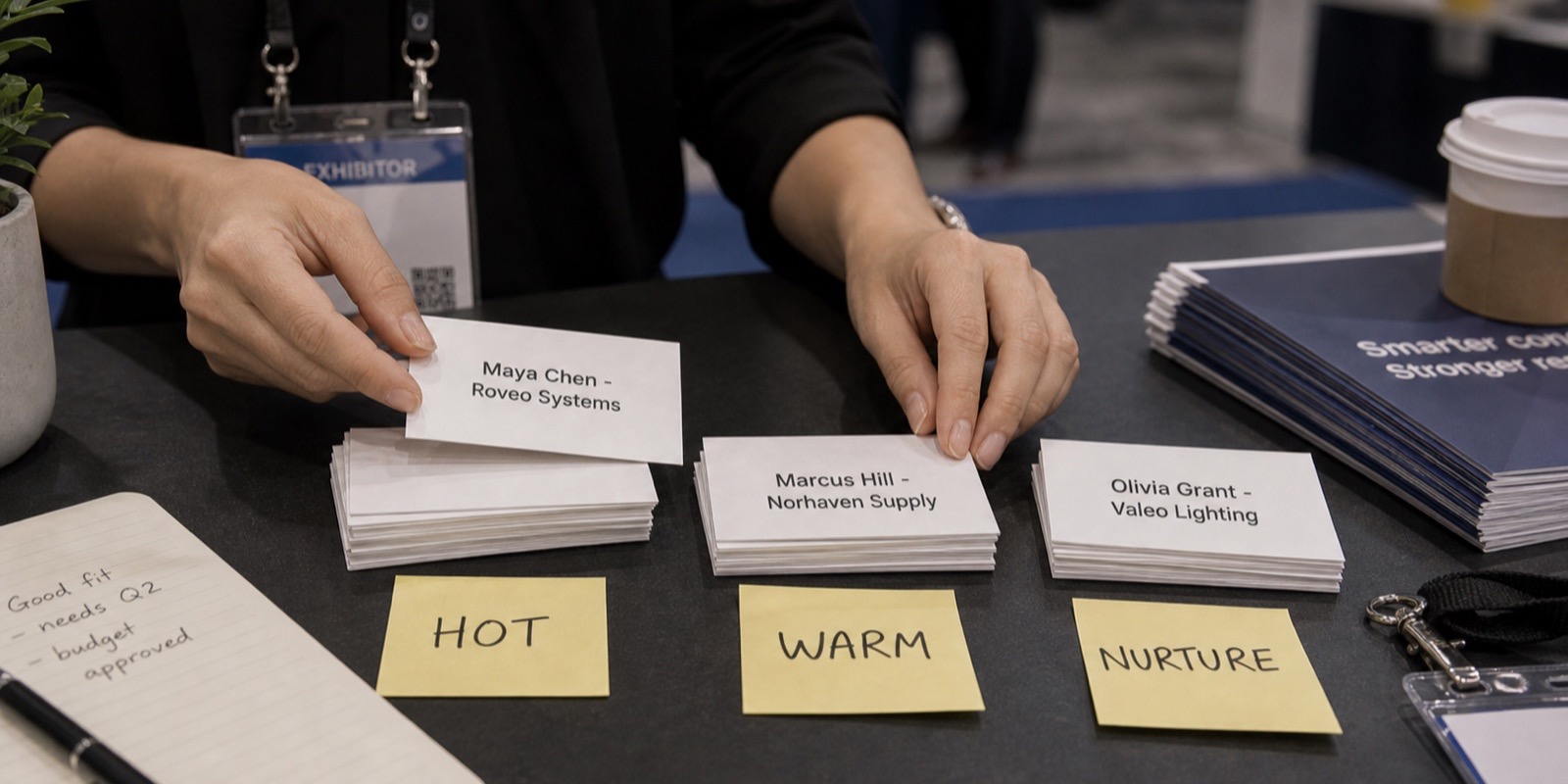
A raw score of 9 doesn't tell a tired rep what to do. A tier does. Map the total to three buckets so the next step is obvious the moment the lead syncs. These thresholds are a sensible starting point, not a law. If a show floods you with hot leads, raise the bar; if it's a small niche event, lower it.
| Total (0 to 12) | Tier | What it means | Follow-up speed |
|---|---|---|---|
| 9 to 12 | Hot | Real fit, real need, can act soon | Same-day personal reply |
| 5 to 8 | Warm | Genuine interest, not ready or not sure | Multi-touch sequence over 1 to 2 weeks |
| 0 to 4 | Cold | Curious, mismatched, or just browsing | Nurture list, no rep time |
Mapping total score to a tier and a follow-up promise
How to capture the score at the booth
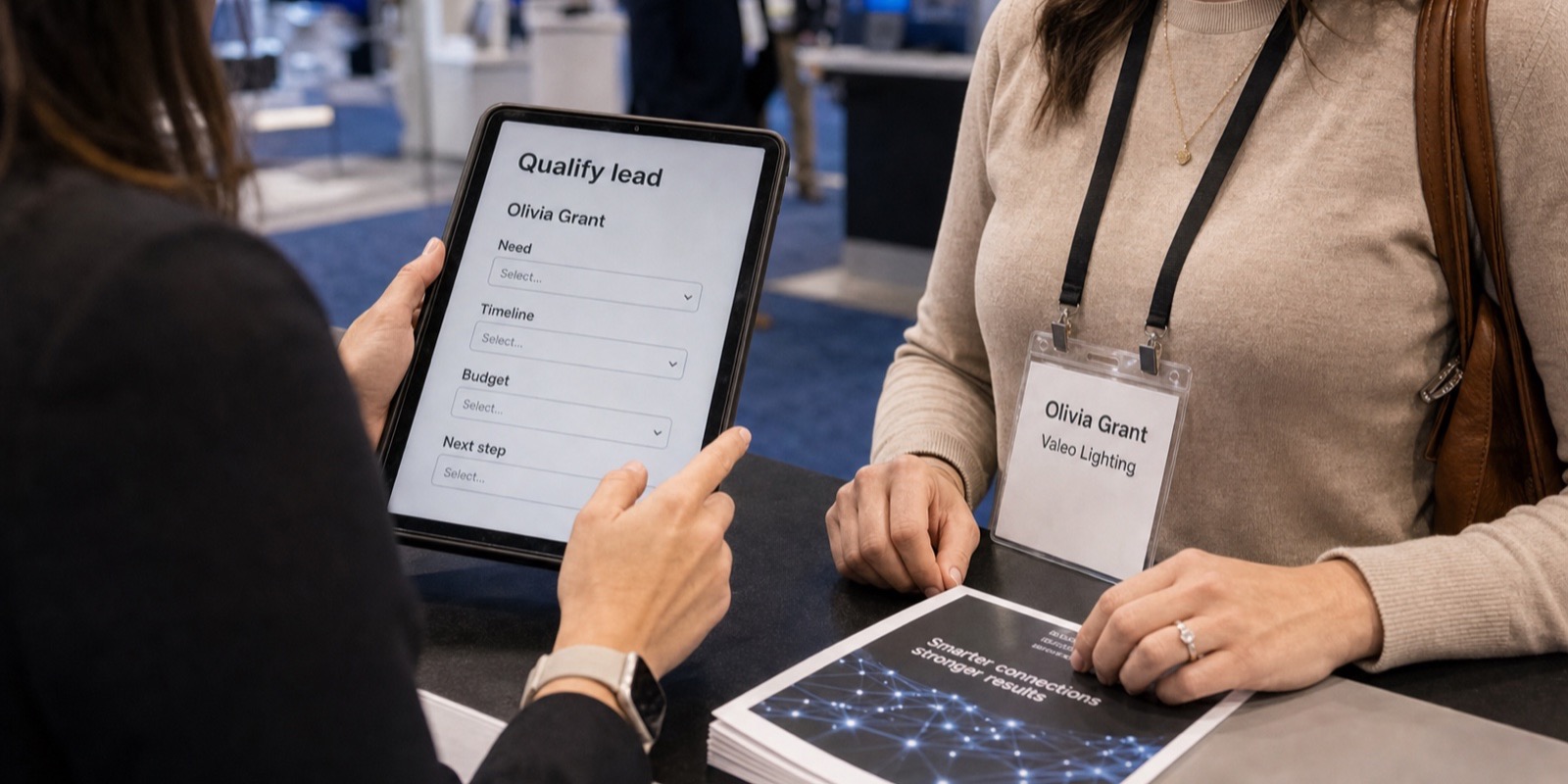
A score you write down two days later is a guess. The whole framework depends on capturing it in the moment, which means the rating has to be part of the scan, not a separate step. With XPO's lead capture, booth staff scan a badge on an iPhone or iPad and the qualifying questions you configured for the event come up right there. Add a single rating field and the score lands before the conversation ends.
- Configure two or three qualifying questions per event (text, number, yes/no, or multi-select) that map to fit and timeline. Keep the wording short so it doesn't stall the conversation.
- Add one rep-rating field, a 1 to 3 or hot/warm/cold picker, for the gut-call on need and authority. One tap.
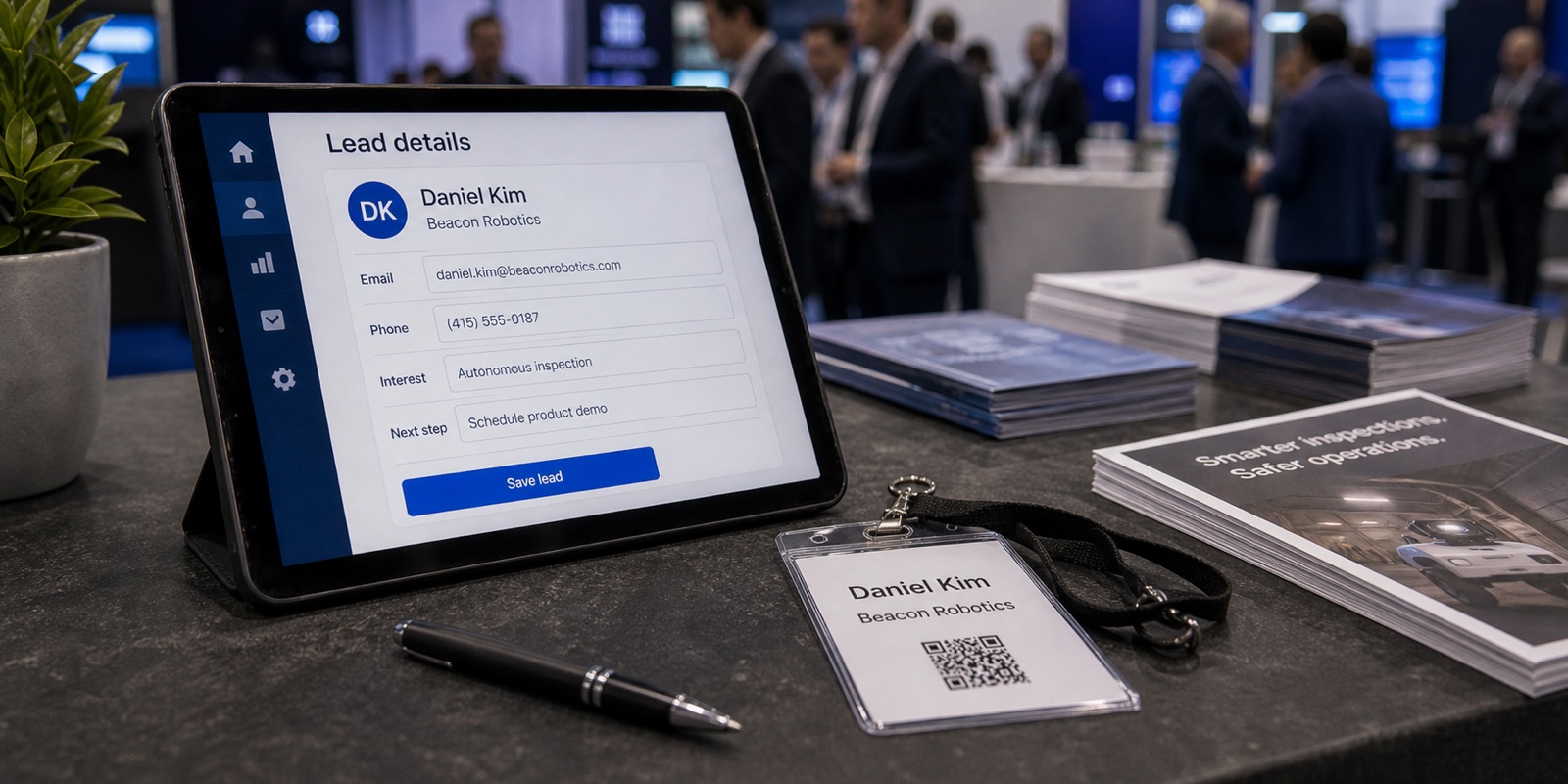
- Scan the badge to pull contact and company details automatically, so reps spend their seconds on the rating, not on typing names.
- Let the totaling and tiering happen after sync, not in the booth. Reps capture inputs; the system does the math.
- Lean on offline capture. If the hall Wi-Fi dies, scans and ratings save on the device and sync when the signal returns, and a duplicate scan never creates a duplicate lead.
XPO's AI also cleans up each lead on capture, fixing typos and filling gaps, so a rushed entry between conversations still produces a usable record. If you want a deeper grounding in how on-site lead capture works, the guide to lead retrieval walks through the mechanics and the costs.
How to route each tier to the right follow-up
Scoring is only useful if the tier changes what happens next. The mistake is dumping all your leads into one CRM list and emailing them the same "thanks for visiting" note. That under-serves your hot leads and annoys your cold ones. Route by tier instead.
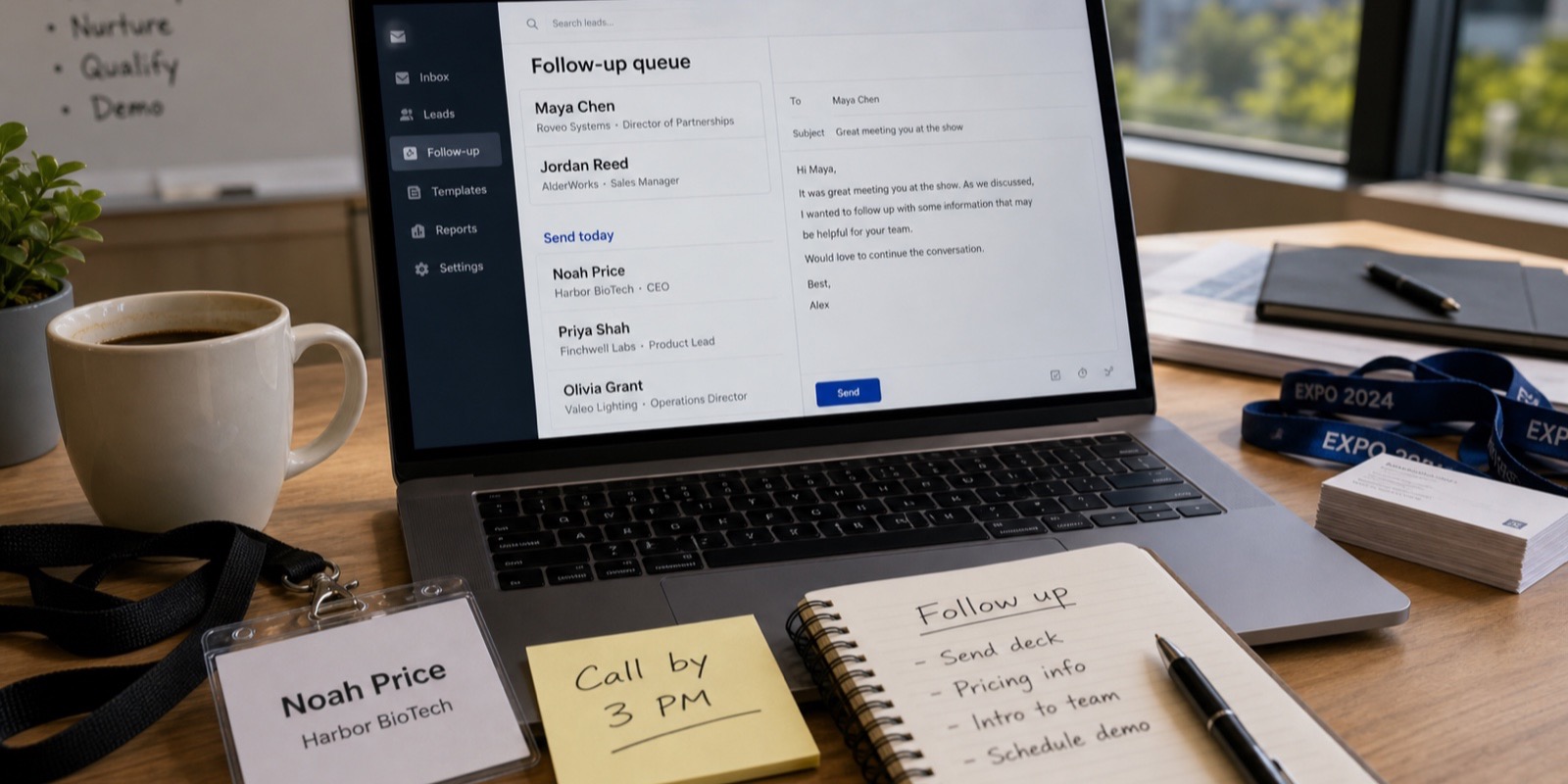
- Hot: a named rep sends a personal email or call the same day, referencing something specific from the booth chat. Speed is the whole advantage here, because these people are talking to your competitors too.
- Warm: drop them into a short, useful sequence. A relevant case study, an invite to a demo, a check-in. You're staying present until their timeline catches up to your pitch.
- Cold: add to a general nurture list. No rep time, just newsletters and the occasional offer. Some will warm up over a year, most won't, and that's the right outcome.
This is where capturing the score at the booth pays off. Qualified leads sync to your CRM automatically the same day over a direct OAuth connection, with the score and tier attached. Your routing rules in Salesforce or HubSpot can fire on the tier field, so hot leads land in a rep's queue while cold ones flow to nurture, and nobody re-keys a spreadsheet on Monday. XPO supports that same-day sync to Salesforce, HubSpot, Pipedrive, Zoho, and others, with a per-lead sync log so you can see exactly what moved.
Keep the framework honest after the show
A scoring model is only as good as what it predicts. After a show or two, look back. Of the leads you tiered hot, how many turned into real opportunities? If half of them went nowhere, your anchors are too generous or your reps are inflating ratings. Tighten them.
The reverse matters too. If deals keep coming from leads you'd tiered warm or cold, something in your fit or need definition is off, and you may be ignoring a segment that actually buys. A post-show report of what the event produced makes this review possible. Treat the framework as a draft you adjust each year, not a fixed rule, and it gets sharper every show. When you're ready to run it on a real event, you can start with a pilot at one show.
Frequently asked questions
What's the difference between qualifying and scoring a lead?
Qualifying is the judgment; scoring is how you record it. Qualifying a lead means deciding whether they're worth your sales team's time based on fit, need, authority, and timeline. Scoring turns that judgment into a number so it's consistent and comparable across reps and booths. You can qualify a lead in your head, but without a score you can't sort a few hundred of them or route them automatically. The score is what makes qualification scale past the handful any one person remembers after a long show day.
Is BANT still useful for trade show lead qualification?
BANT (budget, authority, need, timeline) is a solid foundation, but budget is the weak link at a booth. Most attendees won't discuss money honestly in a 90-second chat, and pushing for it makes you sound like you're qualifying them out. A practical adaptation swaps budget for fit, so you score fit, need, authority, and timeline instead. You still capture buying readiness, but with factors a rep can actually read on the show floor. Save the real budget conversation for the follow-up call, once the lead has cleared your hot or warm threshold.
How many qualifying questions should I ask at the booth?
Two or three, no more. Every question you add slows the conversation and shrinks the number of people you can talk to in a day. Pick questions that feed the factors you can't judge by eye, usually timeline and a piece of fit you can't read from the badge. Let your reps rate need and authority from the conversation rather than asking directly, since those are awkward to ask outright and easy to sense. The rest of the lead's contact and company data should come from the badge scan, not from questions, so your seconds go to the score.
Should reps score leads at the booth or back at the hotel?
At the booth, always. A score you record from memory hours later is a guess shaped by which conversations happened to stick. By the end of a show day, the warm lead from the morning and the lukewarm one from the afternoon blur together. Capturing the score during the scan, while the conversation is fresh, is what makes the framework work at all. Tools like XPO put the qualifying questions and a one-tap rating right on the scan screen, so the rating takes seconds and never depends on recall.
What score threshold makes a lead hot?
On a 0 to 12 scale (four factors rated 0 to 3), a total of 9 or higher is a reasonable hot threshold, 5 to 8 is warm, and 0 to 4 is cold. Treat those as a starting point you tune per show. A large event that floods you with strong leads might justify raising the hot bar to 10. A small niche show might warrant lowering it. One rule overrides the math: anyone who explicitly asks for a quote, demo, or specific next step is hot regardless of their score, because a clear buying signal outweighs the rating.
How does lead scoring connect to follow-up and CRM routing?
The tier is the bridge. Once a lead is scored and tiered, the tier decides the follow-up: hot leads get a same-day personal reply, warm leads enter a sequence, cold leads go to nurture. If your scores sync to your CRM with the tier attached, routing rules can fire automatically, sending hot leads to a rep's queue and cold ones to a list. XPO syncs qualified leads to Salesforce, HubSpot, and similar platforms the same day with the score attached, so the tier lands in your CRM ready to route. Without that connection, the score sits in a file and nobody acts on it.