Business Card Scanner vs QR Code: Which Wins at Trade Shows?
Business card scanner vs QR code at trade shows: compare capture speed, data accuracy, attendee friction, and offline behavior, plus which method to run first.
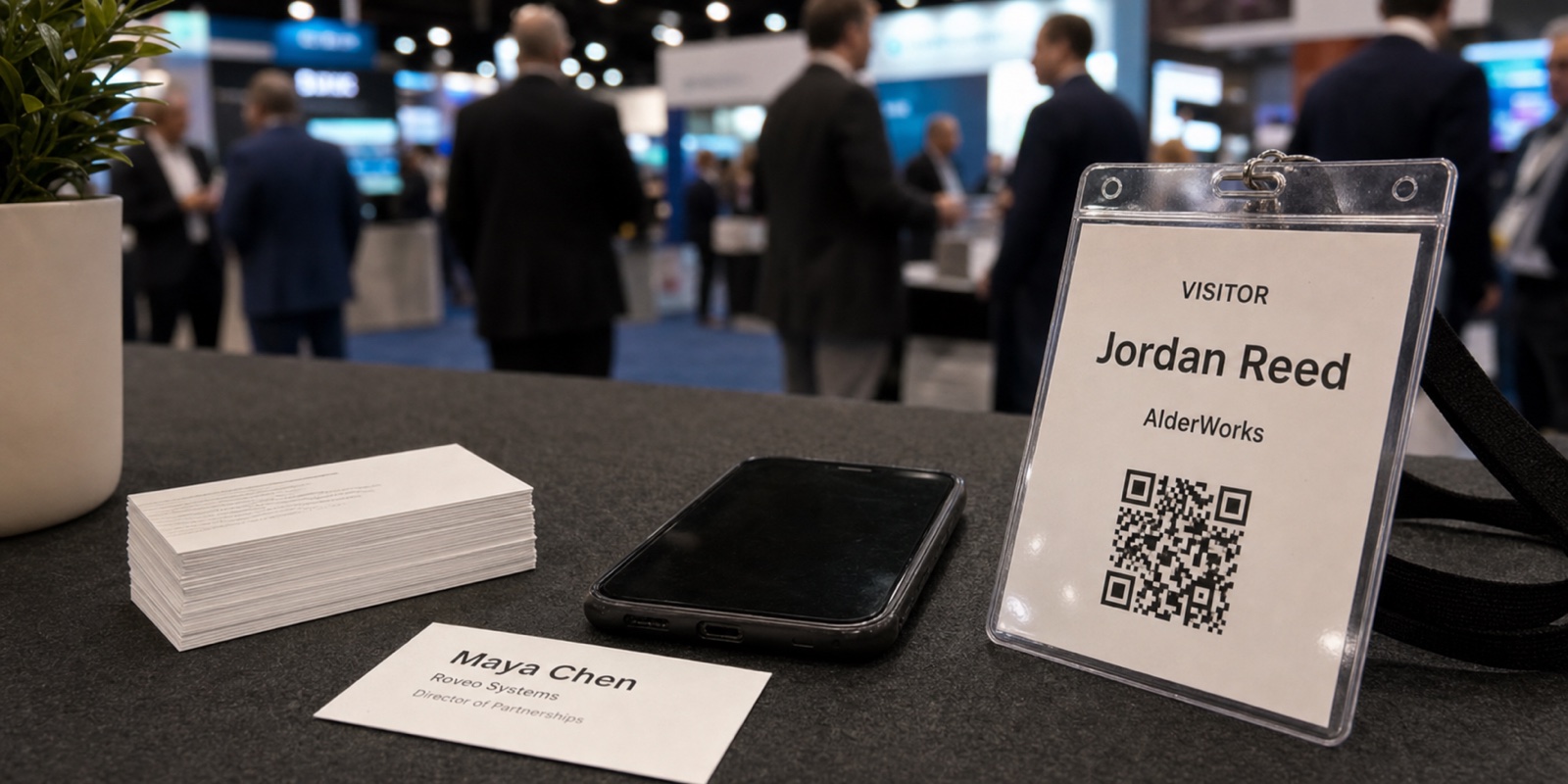
Two technologies dominate booth lead capture, and people mix them up constantly. One reads the QR or barcode on an attendee's badge and pulls back the data the show already collected at registration. The other photographs a paper business card and runs OCR to turn it into a contact record. They behave very differently on speed, accuracy, and what they actually hand you.
This compares the technology, not the marketing around either one. We'll look at capture speed, data completeness, friction for the visitor, what happens when the WiFi dies, and the data each method really yields. Then a side-by-side table and a recommended primary method with the fallback you'll actually need.
First, three different QR scenarios people lump together
"QR code" at a trade show means at least three unrelated things, and conflating them is how people end up buying the wrong tool.
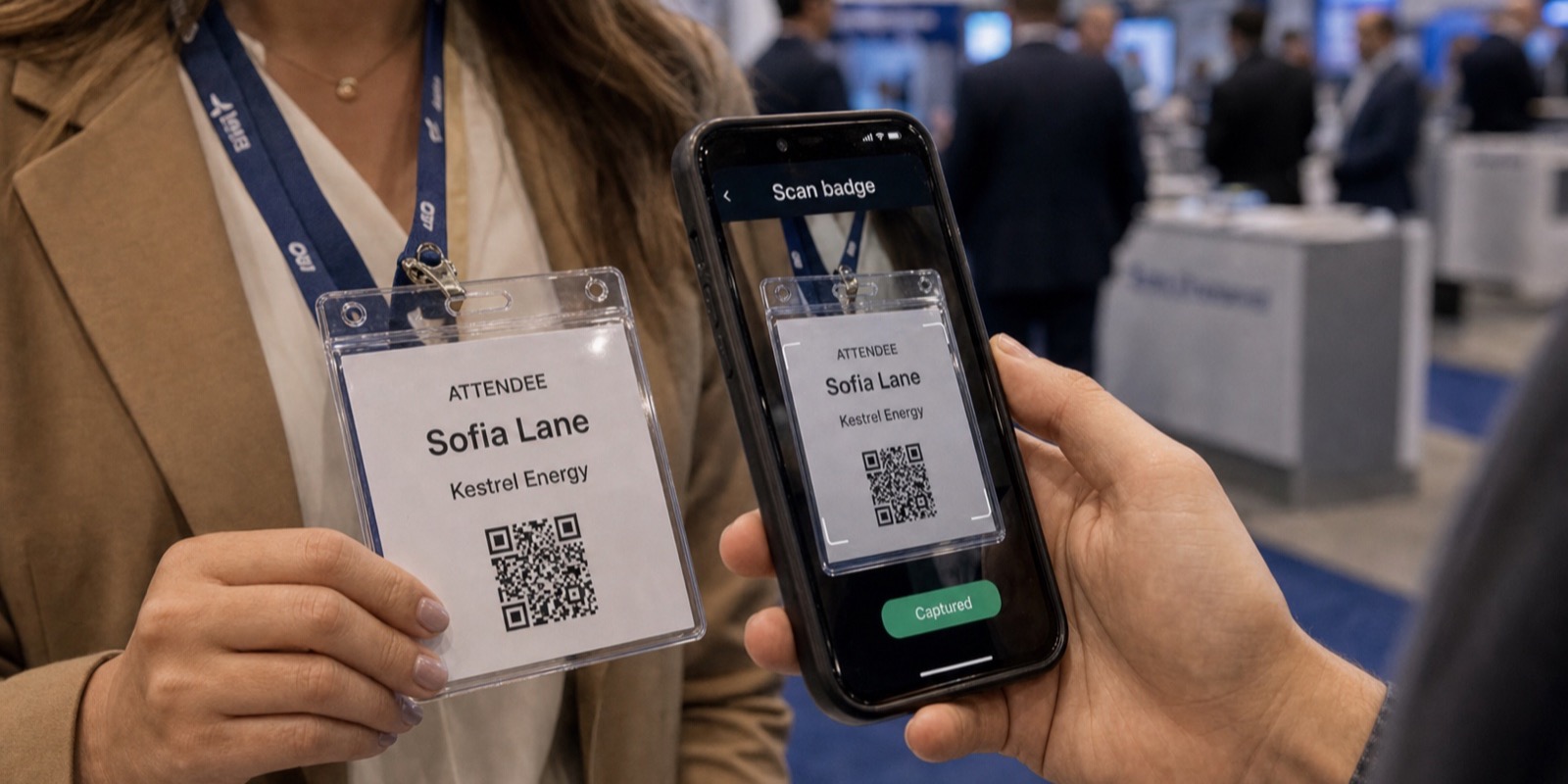
Badge QR / barcode scan (registration data)
Your staff scans the code printed on the attendee's badge. It maps to the record that person filled out at registration: name, company, title, email, sometimes phone and answers to demographic questions. This is what lead retrieval actually is.
Marketing QR scan (attendee scans you)
You put a QR code on a banner, screen, or handout and ask the visitor to scan it with their phone. Adoption is the catch, and most people won't stop a conversation to do it. We get into that in our piece on whether attendees actually scan QR codes at trade shows.
Business card OCR
Your phone photographs a paper card and software reads the text into fields. No registration system involved, no encoded data, just optical recognition of whatever's printed.
This comparison is mostly badge QR scan versus business card OCR, because those are the two ways a booth rep captures a lead from a person standing in front of them. The marketing QR is a self-serve channel, not a rep workflow, so it sits to the side.
How fast is each capture method?
A badge scan is one motion. Point the camera at the code, wait for the beep, move on. The rep can do it while still talking, and the whole thing takes a couple of seconds. Throughput matters when ten people hit your booth the second a keynote lets out.
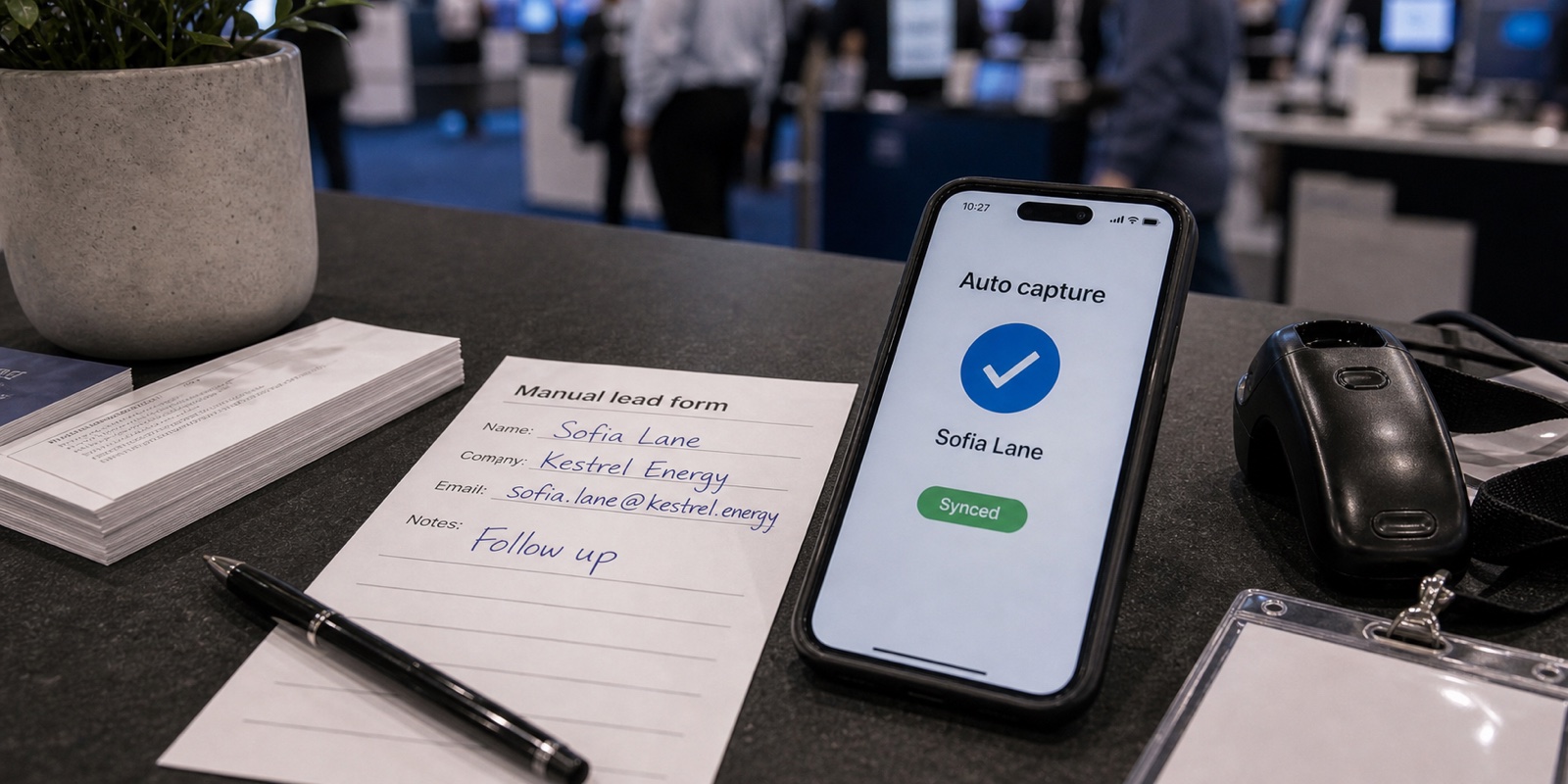
Business card OCR is slower in practice. The rep takes the card, frames the shot, waits for the read, then usually glances at the result to make sure the email didn't come back garbled. Add the people who don't carry cards anymore, and you're improvising for a chunk of every shift.
Data accuracy and completeness
Badge data comes from a form the attendee filled out themselves, validated by the registration vendor. The email is the one they actually use for the show. Company and title are spelled the way they typed them. You're reading verified structured data, not interpreting it.
OCR is interpretation, and it breaks on the predictable things: a logo it reads as text, a stylized font, a job title in a second language, a handwritten cell number. It rarely fails loudly. It fails quietly, dropping a wrong character into an email so your follow-up bounces and you never know why.
Completeness differs too. A card shows only what the person chose to print, so personal cards and minimalist designs leave gaps. A badge record can carry registration fields a card would never include, like attendee type or industry, depending on what the show collected and shares.
Friction for the attendee
Badge scanning asks nothing of the visitor. They already wear the badge, and the rep does the work. No phone, no app, no typing on their end. That's the lowest-friction capture there is, which is exactly why shows built lead retrieval around it.
A business card scan also asks little, assuming the person brought cards. The friction sits on your side, not theirs. The marketing QR is the opposite. It pushes all the effort onto the attendee, and that's where adoption falls apart mid-conversation.
What happens when the WiFi drops?
Show-floor connectivity is unreliable, so how a tool handles a dropped signal separates the tools worth renting from the ones that strand you. Some badge-scanning tools decode the code locally and queue the lead, then sync when the connection returns. Others depend on a live lookup and stall the moment WiFi drops, which is the worst possible time.
OCR can run on-device, so card scanning often keeps working offline. You still have the accuracy problem, though, and any enrichment or CRM push waits for a signal anyway. Offline capability is necessary, not sufficient. It only counts if the data it captures is good.
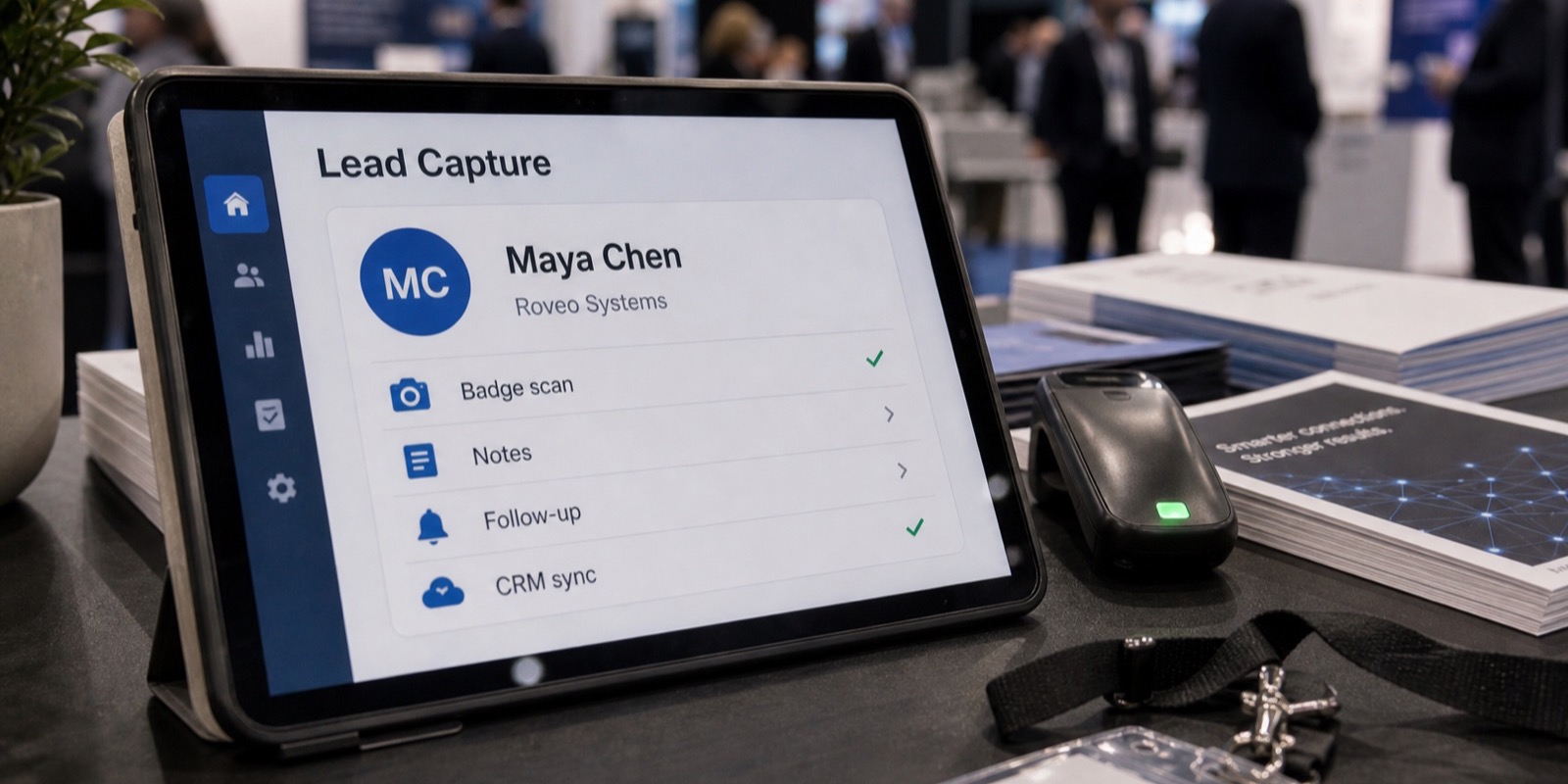
With XPO, booth staff scan badges on an iPhone or iPad, capture keeps working offline, and leads sync once the signal comes back. A duplicate scan never creates a duplicate lead, so reps don't have to track who they've already talked to.
Side-by-side comparison
| Factor | Badge QR / barcode scan | Business card OCR |
|---|---|---|
| Data source | Verified registration record | Whatever's printed on the card |
| Speed per capture | A couple of seconds, one motion | Slower; photo plus a correction check |
| Accuracy | High; structured fields | Variable; misreads fonts, logos, emails |
| Completeness | Can include registration fields | Limited to what's on the card |
| Attendee friction | None; rep does it all | Low, if they carry a card |
| Works for everyone | Yes, every attendee has a badge | No; many people skip cards now |
| Offline | Possible if the tool queues locally | Usually yes on-device |
| Best role | Primary method | Fallback |
Badge QR scan vs business card OCR at a booth
What the hardware actually costs
Method and cost are tangled together, because the badge-scanning route often runs through the show's official lead retrieval vendor. Those rentals add up, and there are penalties most people forget about until the invoice lands.
You can capture badge data without renting the vendor's hardware. XPO runs on devices your team already owns and connects to the same badge and registration systems the shows use, so you get the same structured registration data without scanner deposits or late fees. Pricing is a flat fee per event that covers the whole booth team, plus the show's badge developer kit fee, quoted up front.
The recommendation: primary plus fallback
Run badge QR scanning as your primary method. It's faster, the data is cleaner, and it works the same for every attendee because everyone wears a badge. That consistency is what lets you staff a busy booth without a data-quality mess to untangle afterward.
- Make badge scanning the default for every rep, every conversation.
- Keep business card OCR ready for people who opted out of lead retrieval or hand you a card instead of a badge.
- Skip the marketing QR as a capture method; use it for self-serve sign-ups or content, not for logging the leads you talk to.
- Add per-event qualifying questions at the point of capture so you record context, not just contact details.
The capture method is only half the value. The data still has to reach your CRM clean. XPO cleans up each lead on capture and syncs qualified leads automatically the same day, which closes the gap card OCR usually leaves open. For the wider workflow picture, see manual vs automated lead capture and the features that actually matter when you're choosing a tool.
Frequently asked questions
Is scanning a badge QR code the same as asking attendees to scan a QR code?
No, and the difference matters. When your staff scans the QR or barcode on an attendee's badge, you pull the registration data the show already collected and verified: name, company, title, email, and often more. When you ask attendees to scan a marketing QR you've posted, you're relying on them to stop, pull out a phone, and follow through, which most won't do mid-conversation. The first is a fast, rep-driven capture method. The second is a self-serve channel with adoption problems, better suited to content downloads or newsletter sign-ups than logging the people at your booth.
Are business card scanners still worth using at trade shows?
Yes, as a fallback rather than your main method. Plenty of attendees don't carry cards anymore, and the ones who do may hand you a card instead of letting you scan their badge. Business card OCR covers those cases and works offline on-device. The catch is accuracy. OCR misreads stylized fonts, logos, and emails, and it can fail quietly, so a wrong character bounces your follow-up without warning. Use it when badge scanning isn't an option, and check the captured email before you move on, especially for anyone you actually want to reach.
Which gives more complete data, a badge scan or a business card?
A badge scan usually gives more complete and more reliable data. It pulls a structured registration record the attendee filled out themselves, so the email is current and the company and title are spelled the way they typed them. Depending on what the show collected and shares, the record can also include fields a card never would, like attendee type or industry. A business card shows only what the person chose to print, so personal cards and minimalist designs leave gaps. And because OCR interprets printed text rather than reading verified data, card records carry more errors to clean up.
Do badge scanners work without WiFi on the show floor?
It depends on the tool, not the method. Some badge-scanning apps decode the code on the device and queue the lead locally, then sync once the connection returns, so they keep working through a dead spot. Others depend on a live lookup and stall the moment the signal drops, which tends to happen exactly when your booth is busiest. Before a show, confirm your tool captures offline rather than assuming it does. XPO captures badges offline on an iPhone or iPad and syncs when the signal comes back, so a connectivity gap doesn't cost you leads or create duplicates.
Can I capture badge data without renting the show's scanner?
Often, yes. The show's official lead retrieval vendor rents scanners and app packages, and those add up, plus late and replacement fees if you miss a return. According to Maritz order forms, official packages ran roughly $375 to $685 per event, and per CompuSystems a lost unit can cost up to $1,500. Independent software like XPO runs on devices your team already owns and connects to the same badge and registration systems the shows use, so you get the same structured registration data without the rental hardware. You still pay the show's badge developer kit fee, which is set by the registration vendor and quoted up front.
Should I use a marketing QR code to capture leads at my booth?
Not as your primary capture method. A marketing QR pushes all the effort onto the attendee, who has to stop, open a phone, scan, and fill out whatever loads, usually during a conversation they'd rather finish. Adoption is unreliable, so you'll miss leads you actually spoke with. It works better as a self-serve option for people who want a resource, a demo booking, or a newsletter, not for logging qualified prospects. For capturing the people in front of you, scan their badge. It's faster and asks nothing of them.