How to Capture Leads at a Trade Show Without Slowing Down Your Booth
Fast trade show lead capture keeps your booth moving. Scan badges, ask one or two short questions, and split rep roles so capture never stalls a conversation.
A busy booth has a rhythm, and the wrong capture method breaks it. When a rep stops to write a name, hunt for a pen, or key in a business card, the conversation stalls and the next visitor walks past. Multiply that across a few hundred people over three days and you've lost real pipeline to friction nobody planned for.
The fix isn't working harder at the booth. It's making capture take seconds instead of minutes, and designing your flow so it never competes with the conversation.
Why slow capture quietly loses you leads
Every second a rep spends on data entry is a second they're not selling, and a second the next visitor is deciding whether to wait. People walk show floors fast. They won't stand in a line that forms because a rep is squinting at a business card or filling out a tablet form field by field.
Slow capture hurts the leads you do collect, too. A name scribbled at 3pm on day two is half-legible by the time you read it. Cards dropped in a fishbowl to key in later sit in a drawer for two weeks, and by then nobody remembers which one belonged to the buyer versus the student who wanted a free pen.
What slows down a busy booth
Most slowdowns come from a handful of predictable places. Name them and you can design them out before the show instead of patching during it.
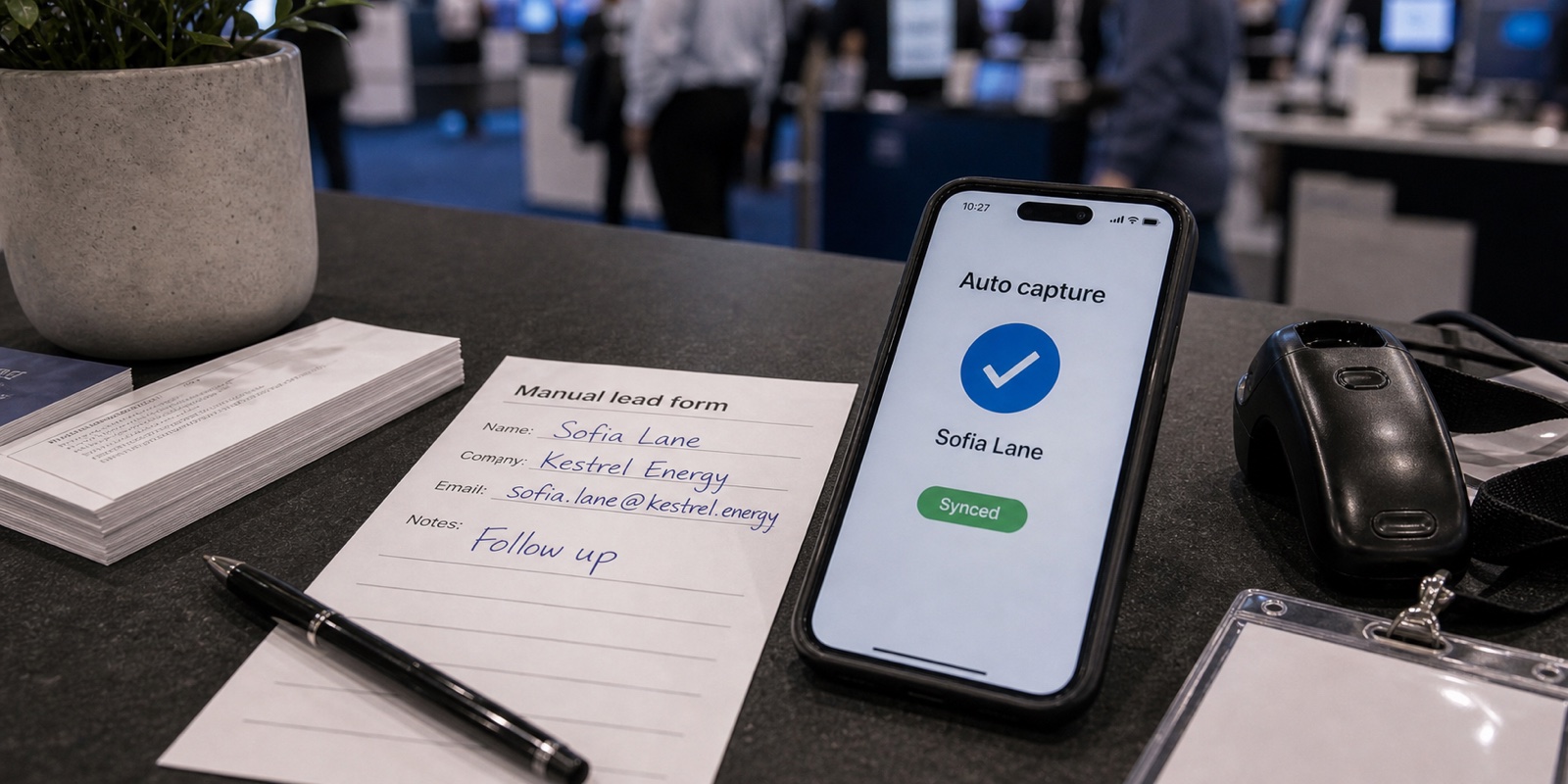
- Handwritten forms are the single biggest time sink at a booth: writing is slow, the scrawl is half-unreadable later, and a rep with a pen is a rep not talking.
- Collecting cards to key in later. This pushes all the work to after the show, multiplies typos, and lets leads go cold while you transcribe.
- Clunky rented scanners. Generic show units are slow to wake, awkward to hold, and easy to leave behind. A late return can cost you, and a lost one costs far more.
- Bad venue Wi-Fi. Convention center signal drops the moment the hall fills up. Any tool that needs a live connection to save a lead fails you exactly when traffic peaks.
For more on how rented scanners and per-show fees add up, see XPO's guide to lead retrieval. It walks through real exhibitor order forms and what the hardware actually costs.
Fast methods that keep the booth moving
The fastest capture happens on a device your reps already know how to use, with the fewest taps possible. Here's the order of operations that keeps a conversation alive.
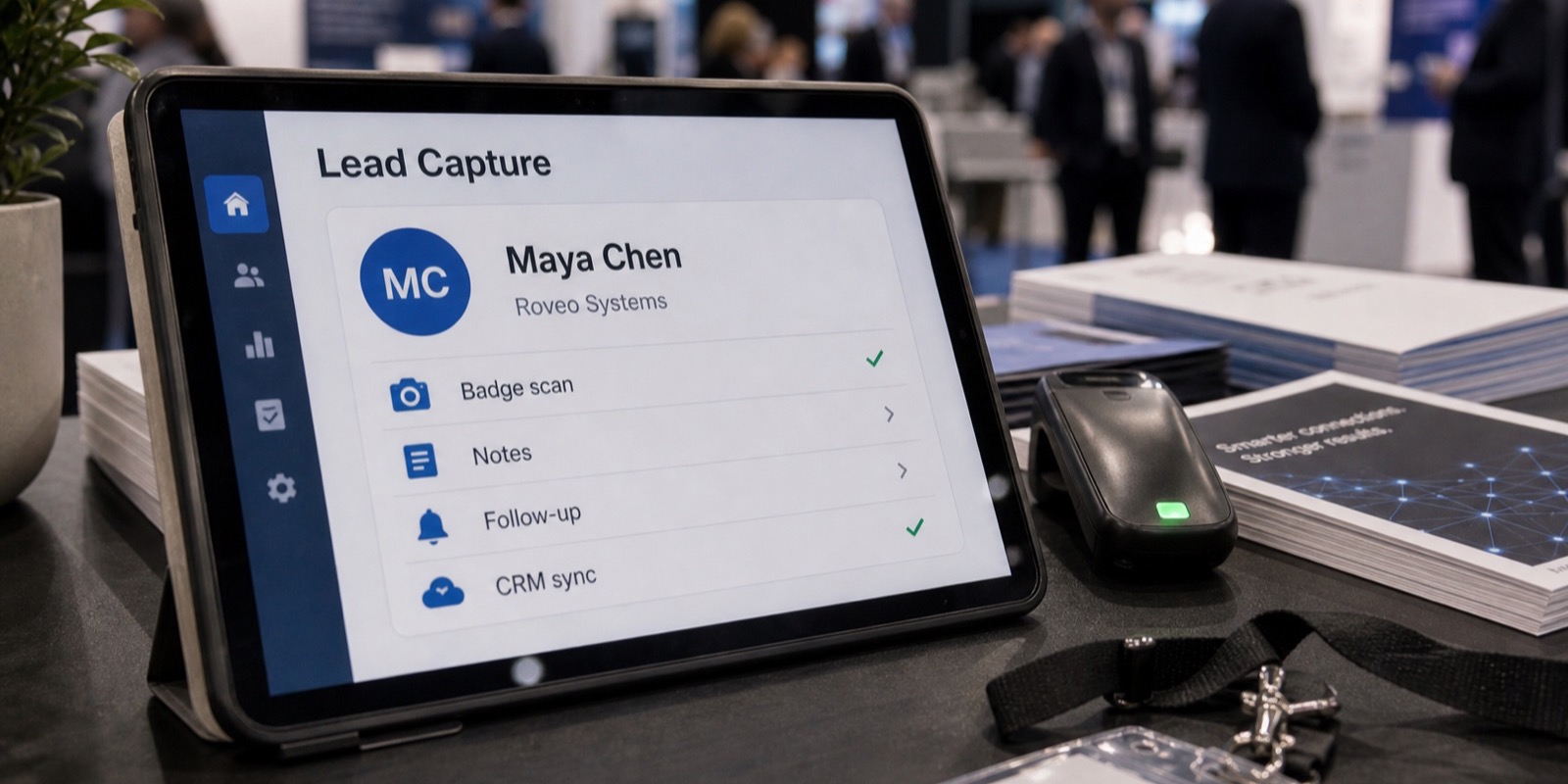
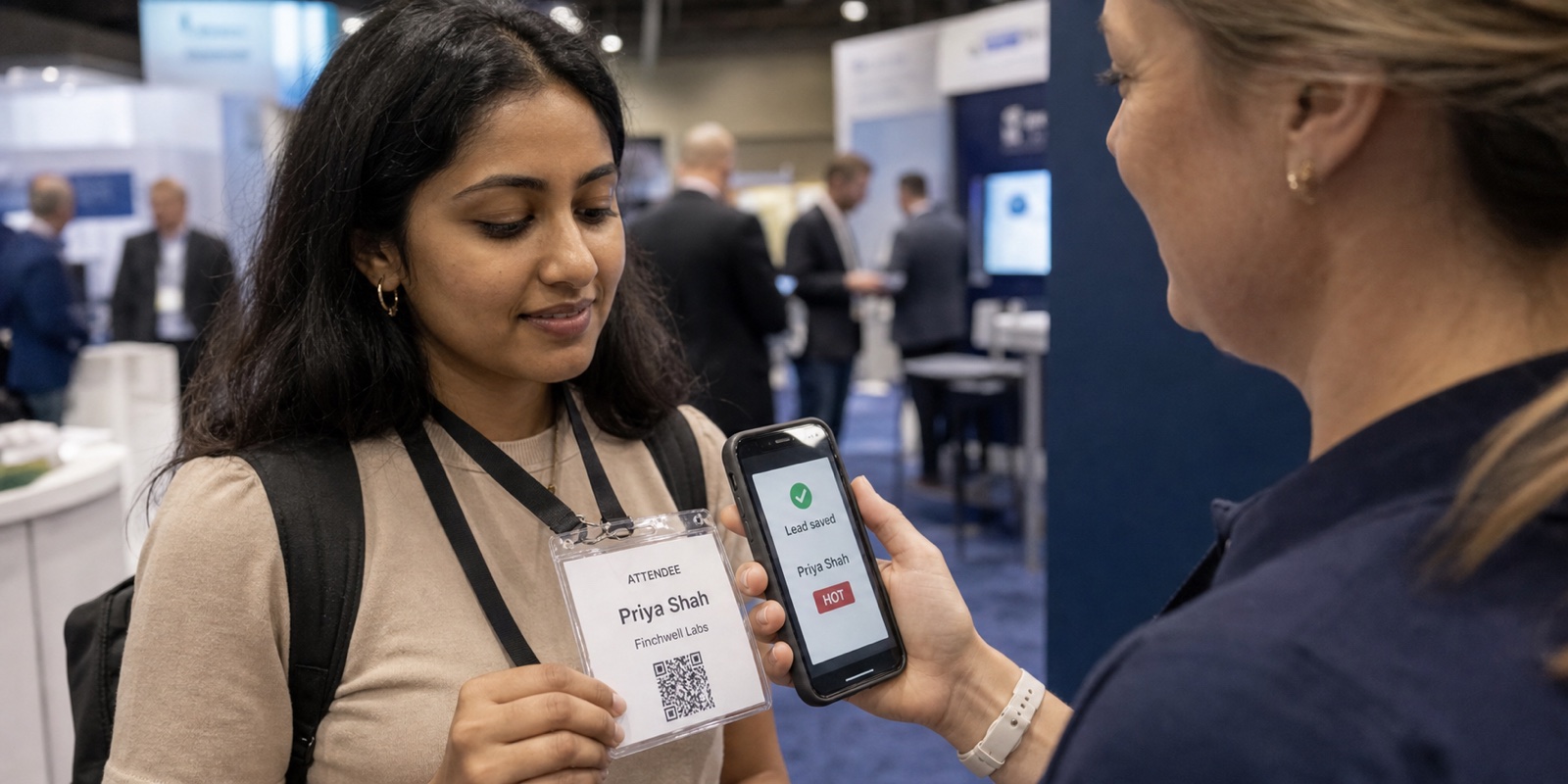
- Scan the attendee's badge on a phone or iPad. The badge already holds their name, company, title, and contact details, so one scan replaces a whole form.
- Capture first, qualify second. Save the contact before you do anything else, so a long conversation never costs you the lead.
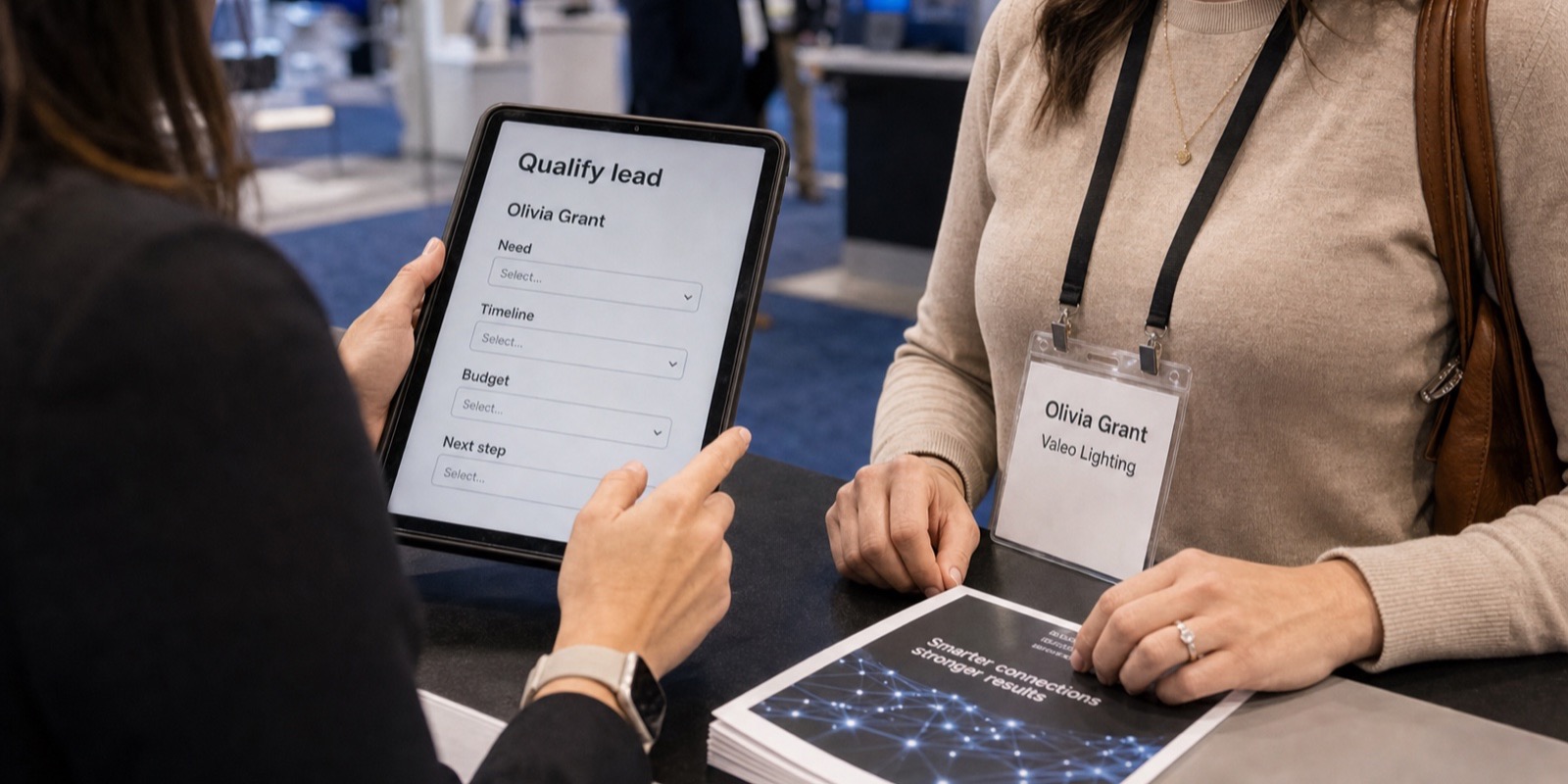
- Ask one or two short qualifying questions out loud and tap the answers in. Keep it to what you'll actually use for follow-up.
- Tag the lead instead of typing notes. A few preset tags, like hot, budget-holder, or send-pricing, take one tap each.
- Move on. The whole capture should take a few seconds, not a few minutes.
With XPO's capture app, booth staff scan badges on an iPhone or iPad, and a duplicate scan never creates a duplicate lead. You can see the actual capture screens on the live demo page before you ever set foot on the floor.
How to design questions that take seconds, not minutes
The number of questions you ask at the booth is a speed decision as much as a sales one. Every field you add is time on the floor and a chance for the visitor to lose interest. Most teams ask too many things they never look at again.
Pick one or two questions that change what happens next. Timeline and buying authority usually earn their place. Everything else can be inferred from the badge or asked during follow-up. Use formats that answer in a tap: yes/no, a short multi-select, a single number. Skip open text fields at the booth unless a rep genuinely needs one specific detail.
In XPO, qualifying questions are configured per event as text, number, yes/no, or multi-select, and answers are validated as they come in, so you're not cleaning up half-finished entries later. For more on choosing the right tool, see our guide to the best trade show lead capture software.
How to staff the booth so capture never blocks the conversation
The biggest speed gain isn't a tool. It's how you split the work. When the person talking is also the person capturing, the conversation always pauses for the data entry. Separate those jobs and the pause disappears.
A simple pattern works. One rep owns the conversation and never touches a device. A second rep stands slightly off to the side, scans the badge, taps in the answers the first rep surfaces, and tags the lead. The visitor barely notices it happening. When traffic spikes, the talker keeps engaging the next person while the capturer finishes the last one.
| Role | Job | What they never do |
|---|---|---|
| Greeter / talker | Reads the floor, starts conversations, qualifies out loud | Stop to type or scan |
| Capturer | Scans the badge, taps answers, tags the lead | Take over the conversation |
| Floater | Backs up either role when a line starts forming | Stand idle when traffic builds |
Booth roles during a rush
Brief the team on this split before doors open. Decide who scans, agree on the two questions, and align on what your tags mean. Five minutes of prep saves an hour of confusion on day one.
Plan for bad Wi-Fi: capture offline, sync later
Convention center Wi-Fi is unreliable by design once the hall fills with thousands of devices. If your capture tool needs a live connection to save a lead, you'll either lose data or stand there waiting for a spinner while the visitor walks off.
The safe approach is to capture everything locally and sync when the signal comes back. XPO captures offline and syncs automatically once you're connected, so a dead spot in the back corner of the hall never costs you a lead. Manual capture has no answer for that; an offline-first tool just keeps working.
How to skip the post-show cleanup entirely
Fast capture at the booth is wasted if it creates a mountain of cleanup afterward. The point of going fast is to act fast, and that breaks down if your team spends the week after the show fixing typos and deduping scans by hand.
XPO cleans up each lead on capture. It fixes typos, standardizes formatting, and fills missing fields, then syncs qualified leads to your CRM automatically the same day over a secure OAuth connection. Salesforce, HubSpot, Pipedrive, Zoho CRM, and Microsoft Dynamics 365 are all supported, with a per-lead sync log so you can see exactly what landed. When you compare tools, the feature that matters most is whether it saves you this exact cleanup work.
Frequently asked questions
What's the fastest way to capture leads at a trade show?
Scanning the attendee's badge on a phone or tablet is the fastest method, because the badge already holds the person's name, company, title, and contact details. One scan replaces a whole form. Pair that with one or two short qualifying questions answered in a tap, and capture takes a few seconds per visitor. Capturing the contact first, before you qualify, means a long conversation never costs you the lead. Tools like XPO keep the whole flow to a few taps and clean the data automatically, so there's no transcription afterward.
How many questions should I ask at the booth?
One or two. Every extra question adds time on the floor and a chance for the visitor to disengage, and most teams ask things they never look at again. Pick questions that change what happens next, usually timeline and buying authority, and use tap-friendly formats like yes/no or a short multi-select. Everything else can be inferred from the badge or asked during follow-up. A good test: if a question can't be answered in under five seconds, save it for the follow-up call rather than the booth.
Do I need a rented scanner from the show, or can I use my phone?
You don't need the show's rented scanner. According to Maritz exhibitor order forms (KBIS 2024, PRI Show 2025, and IPPE 2026), official SWAP scanners and app packages ran roughly $375 to $685 per event, and a developer's kit for real-time data was about $950. Rented hardware also carries risk: per CompuSystems, a scanner returned late can incur a $100 late fee and a lost unit can cost up to $1,500 to replace. Software like XPO runs on the iPhone or iPad your reps already carry, so there's no hardware to return.
What happens to lead capture when the venue Wi-Fi drops?
With the right tool, nothing. Convention center Wi-Fi gets unreliable once the hall fills with devices, so any capture method that needs a live connection to save a lead will fail at peak traffic. Offline capture solves this: leads save locally on the device and sync automatically once the signal returns. XPO works this way, capturing offline and syncing later, so a dead spot in the back of the hall never costs you data. Confirm a tool stores leads locally before you rely on it at a busy booth.
How do I keep capturing leads without stopping the conversation?
Split the roles. Have one rep own the conversation and never touch a device, while a second rep stands slightly to the side, scans the badge, taps in answers the first rep surfaces out loud, and tags the lead. The visitor barely notices capture happening. When a line starts forming, a floater backs up whichever role needs help. The key is that the person talking and the person capturing are never the same person, so the conversation never pauses for data entry.
How can I avoid spending weeks cleaning up leads after the show?
Capture clean data on the spot instead of collecting business cards to key in later. Handwritten forms and stacks of cards create typos, duplicates, and inconsistent formatting that someone has to fix afterward, and leads go cold while you transcribe. Software that scans badges captures structured data directly. XPO goes further by cleaning each lead on capture, fixing typos, standardizing formatting, and filling missing fields, then syncing qualified leads to your CRM the same day. You get a post-show report of what the event produced instead of a backlog of data entry.