QR Codes at Trade Shows: Do Attendees Actually Scan Them?
QR codes at trade shows do two jobs: staff scanning attendee badges, which is reliable, and asking attendees to scan a booth QR, which varies a lot. Here's the difference.
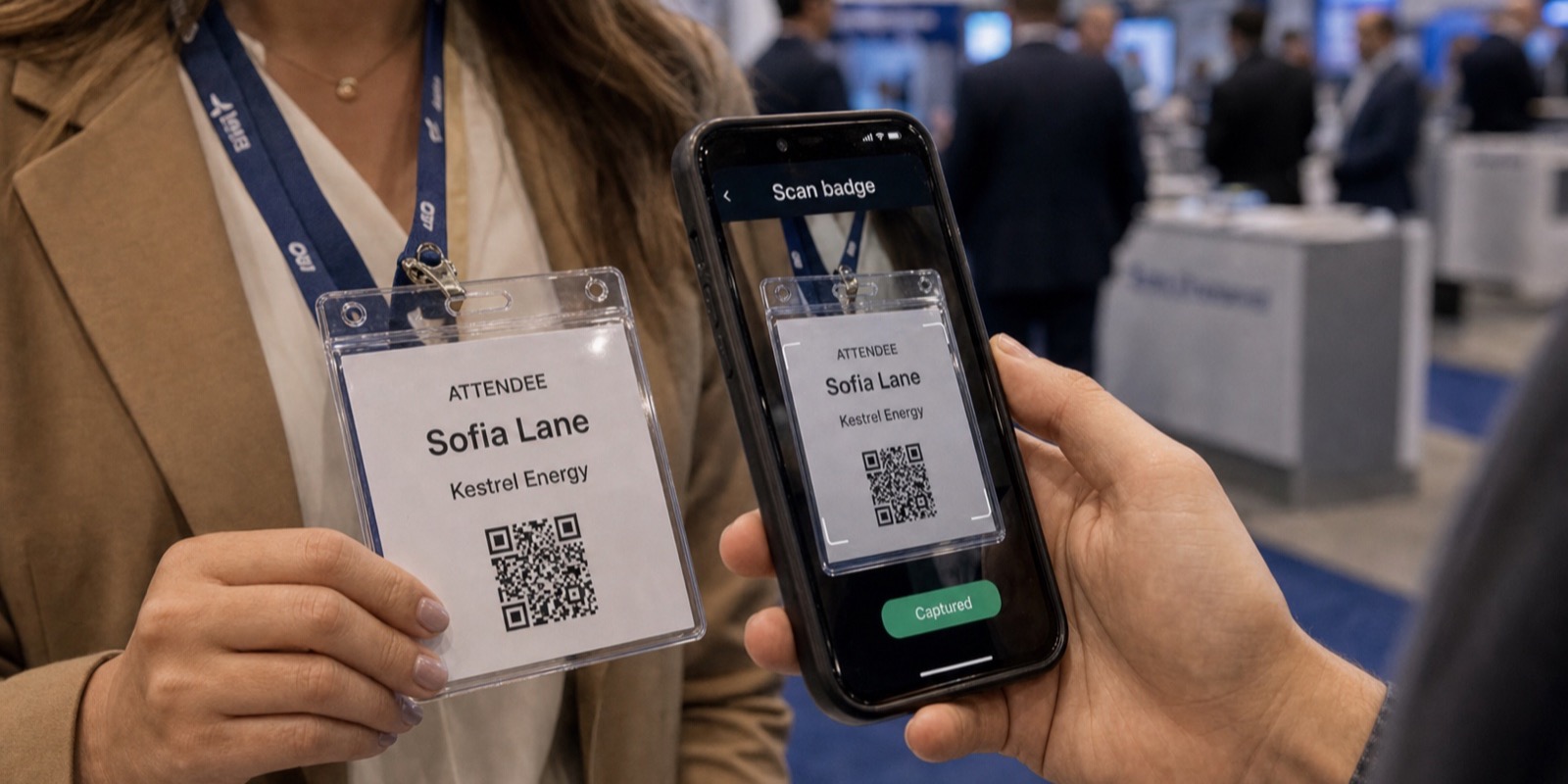
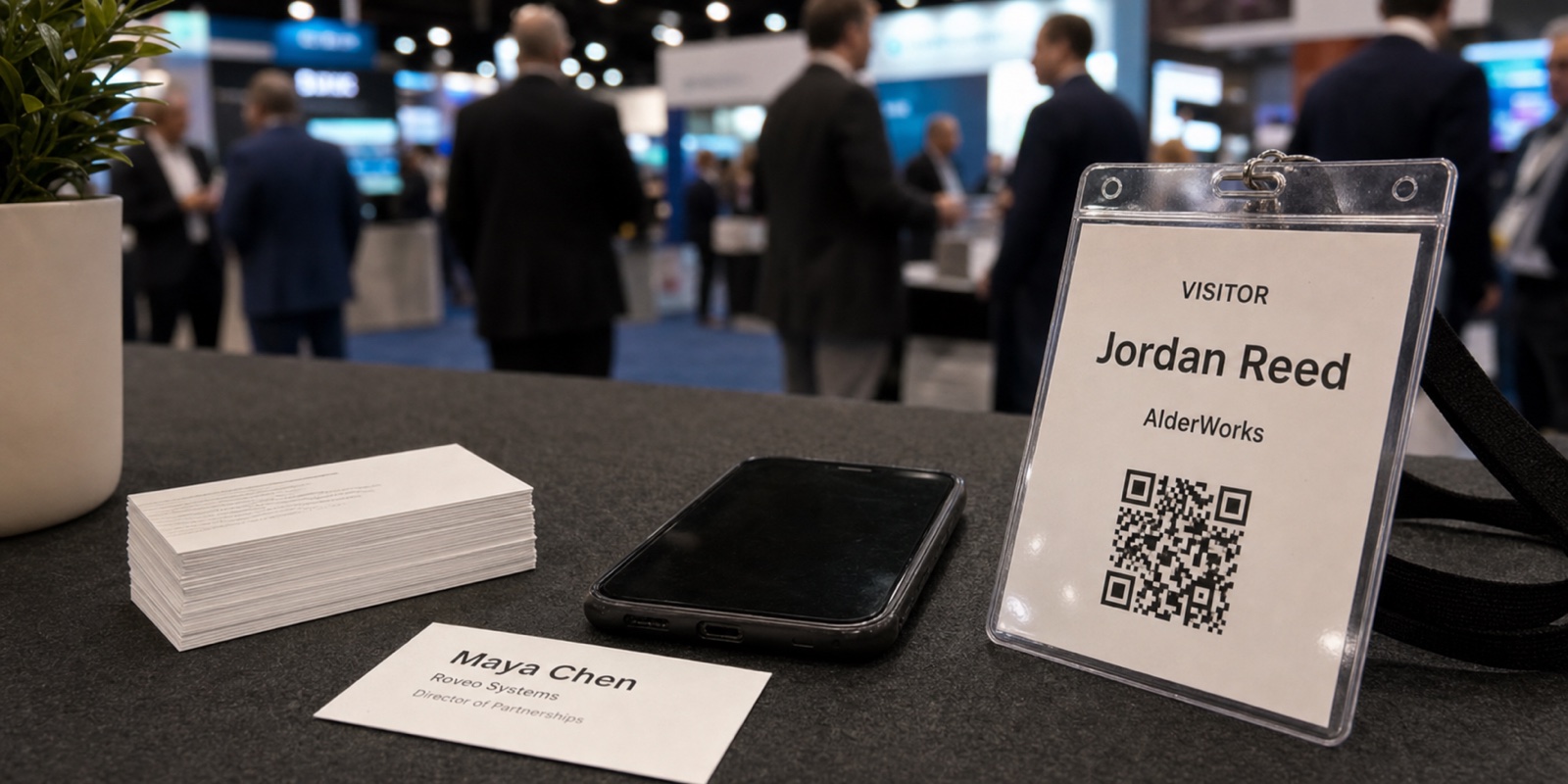
The honest answer depends on which QR you mean. There's the QR or barcode printed on the attendee's badge, which your booth staff scan to pull a registration record. And there's the marketing QR you put on a banner, a screen, or a table tent, asking the attendee to pull out their phone and scan it. These two get lumped together, and they behave nothing alike.
Badge scanning is the dependable part. The attendee already carries the code, your staff control the scan, and you get a real lead every time. Attendee-scanned QR codes are a softer play. Some people scan, plenty walk past, and your results hinge on giving them a clear reason and removing every bit of friction.
Two QR codes, two completely different jobs
The word QR hides an important split. One QR sits on the attendee's badge and gets scanned by your staff. The other sits on your booth and waits for the attendee to scan it. Same square pattern, opposite reliability.
Badge QR or barcode
The code printed on an attendee's event badge. Your booth staff scan it with a phone, tablet, or rented device to pull the person's registration record. The attendee does nothing but hold still.
Marketing QR code
A code you place on a banner, screen, handout, or table tent. The attendee has to notice it, lift their phone, scan, and act on whatever loads. Every step is a chance to lose them.
When people ask whether QR codes work at trade shows, they usually mean the second one. The first one barely raises the question, because it just works. Keeping these two straight is the whole point. If you want a deeper technology comparison, see Business Card Scanner vs QR Code.
Why staff scanning the badge is the reliable workhorse
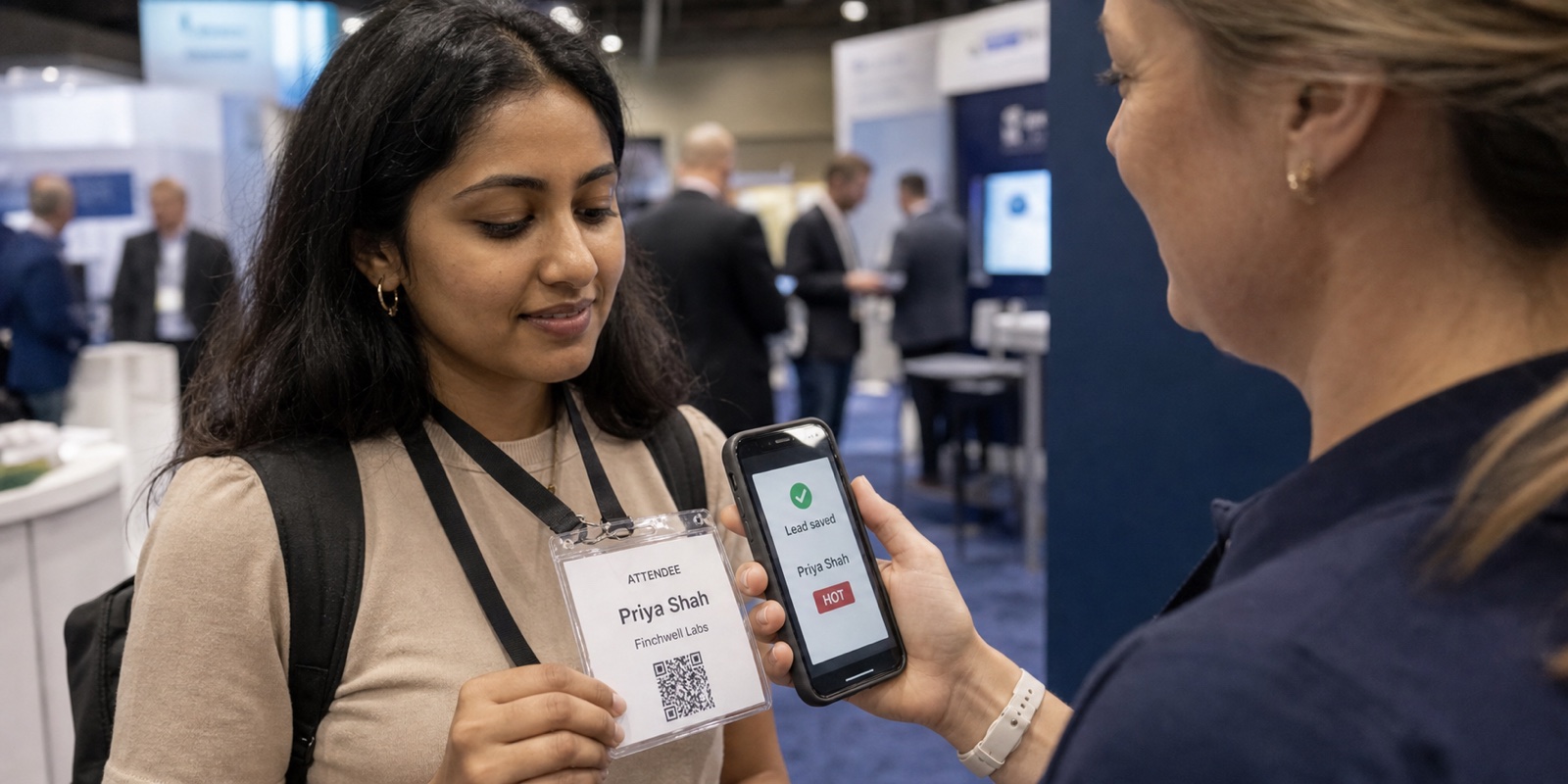
Badge scanning removes the attendee from the equation. They already have the code on a lanyard around their neck. Your rep points a device at it, the record loads, and the lead is captured. There's no app for the attendee to install, no page to load, no decision to make on their part.
That's why badge capture is the backbone of lead retrieval at a trade show. The data comes straight from the registration record, so you get name, company, and title without anyone typing. Whether you use the show's rented scanner or a tool like XPO that integrates with the show's badge provider, the mechanics are the same: your staff scan, you keep the lead.
When attendee-scanned QR codes actually work
Attendee QR codes aren't useless. They earn their keep when scanning is clearly the easiest way to get something the attendee already wants. The pattern is consistent: a specific payoff, almost no effort, and a moment when reaching for a phone feels natural.
- Entering a giveaway or prize draw where the QR is the entry method and the reward is named on the sign.
- Grabbing a resource the attendee asked for, like a pricing sheet, a recorded demo, or a spec PDF, instead of carrying paper.
- Booking a meeting or demo slot during the show, where the QR opens a simple calendar.
- Downloading an exclusive offer or discount code that's only good at the booth.
- A standalone kiosk or sign with no rep nearby, where scanning is the only way to learn more.
Notice what these share. The attendee gets something concrete, and the reason to scan is written right there. A QR that just says "scan to learn more" with no promise behind it gets ignored, because "more" isn't a reason.
Why attendee QR codes often fail at trade shows
Most QR codes on a booth quietly underperform, and it's rarely the technology's fault. Phone cameras read QR codes natively now, so the scan itself is easy. The failures happen around the scan.
- No clear reason. The sign asks for a scan but never says what the attendee gets, so there's no trade worth making.
- Friction after the scan. The page is slow, asks for a long form, or wants the attendee to install an app before anything happens.
- Bad placement. The code sits at an awkward angle, too high, too low, behind a counter, or on a busy banner where the eye slides past it.
- Bad timing. People are walking, talking, or holding a coffee and a tote bag. Scanning needs a free hand and a reason to stop.
- Tiny or low-contrast codes. A QR printed small, on a glossy surface, or in a color scheme that fights the camera just won't read cleanly.
There's also a quieter problem. Even when an attendee scans, you've handed off control. You don't know who they are unless they complete a form, and form completion at a noisy booth is low. The badge scan, by contrast, captures the lead the moment the code is read.
How to lift your attendee QR scan rate
If you're going to use an attendee-facing QR, treat it as its own little campaign. A few changes do most of the work.
- Give the code one job. One QR, one destination, one promise. Don't make a single code try to do downloads, sign-ups, and social follows at once.
- Write the payoff on the sign. Say exactly what the attendee gets, in plain words: "Scan to enter the drawing" beats "Scan here."
- Shorten the path. Send the scan to a fast page that asks for as little as possible, ideally nothing more than an email or a single tap.
- Place it at phone height. Put the code where a standing adult can frame it without crouching or reaching, away from glare and clutter.
- Make it big and high contrast. A larger code on a matte surface reads faster and from farther away.
- Never require an app. The instant a QR demands a download before delivering anything, most people quit.
These steps raise your odds, but they don't change the ceiling. An attendee QR still rides on someone deciding to scan, which you can't force. That's why it works best alongside badge scanning, not instead of it. For more on keeping capture fast at a busy booth, see how to capture leads without slowing down your booth.
Badge scan vs attendee QR, side by side
| Factor | Staff scans badge QR | Attendee scans marketing QR |
|---|---|---|
| Who acts | Your booth staff | The attendee |
| Reliability | High and consistent | Varies widely by setup |
| Data you get | Full registration record | Only what the form collects, if completed |
| Friction for attendee | None, they just hold still | Several steps, easy to abandon |
| Best use | Capturing every qualified lead | Giveaways, downloads, bookings |
| Risk | Device or kit cost | Low scan and completion rates |
Two QR uses compared on the factors that decide whether you capture a lead.
The takeaway isn't that one is good and the other is bad. It's that they do different jobs. Badge scanning is how you capture leads. Attendee QR codes are how you offer something extra to people who opt in.
A practical setup for most booths
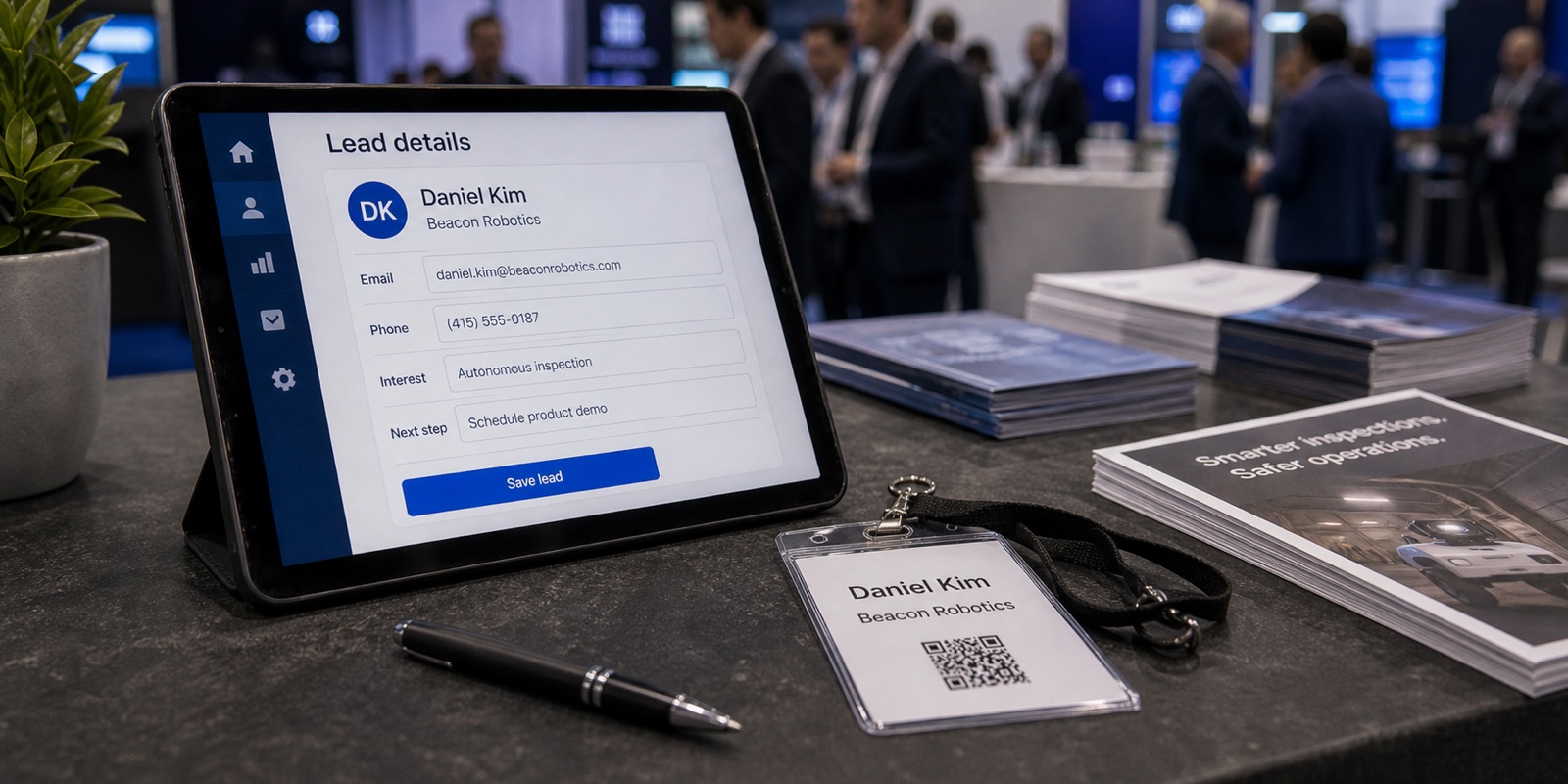
Make staff badge scanning your capture system. Every qualified conversation ends with a scan, so no lead depends on the attendee remembering to do anything. Then add per-event qualifying questions so the rep records context while it's fresh. With XPO, questions are configured per event, AI cleans up each lead on capture, and qualified leads sync to your CRM the same day.
Layer attendee QR codes on top for specific goals: a prize entry, a resource grab, a demo booking. Judge them on their own results and don't let them carry the weight of capturing leads. If you want to think through which fields are worth collecting at all, see what information to collect from trade show leads.
Frequently asked questions
Do attendees actually scan QR codes at trade shows?
Some do, but adoption varies a lot and you can't count on it. An attendee will scan a booth QR when the payoff is clear and the effort is low, like entering a named giveaway or grabbing a resource they asked for. They walk past codes that promise nothing specific or that lead to a slow page or an app install. This is why staff scanning the attendee's badge QR is the dependable way to capture leads: the attendee already carries the code and doesn't have to decide to act. Treat attendee-facing QR codes as a bonus channel with its own goal, not as your primary lead capture method.
What is the difference between a badge QR and a marketing QR at a booth?
A badge QR or barcode is printed on the attendee's event badge, and your booth staff scan it to pull the person's registration record. The attendee does nothing but hold still, so it's fast and reliable. A marketing QR sits on your booth signage and asks the attendee to scan it with their own phone, then act on whatever loads. That version depends on the attendee noticing the code, choosing to scan, and finishing whatever comes next. Same square pattern, very different reliability. Badge scanning captures leads; marketing QR codes deliver offers to people who opt in.
Why won't people scan the QR code on my booth?
Usually because there's no clear reason or there's too much friction. If the sign says "scan to learn more" without naming a payoff, attendees have nothing to trade for. If the code is small, low contrast, placed at an awkward angle, or buried on a busy banner, the camera struggles and the eye slides past. And if the scan leads to a slow page, a long form, or an app download, people abandon it. People at a show are walking, talking, and carrying things, so scanning needs a free hand, a clear promise, and a fast result. Fix those and your scan rate climbs, though it still depends on people choosing to act.
Is staff scanning the badge better than asking attendees to scan a QR?
For capturing leads, yes. Staff badge scanning is reliable because your team controls the scan and the attendee already has the code, so every qualified conversation ends with a captured lead. Attendee QR scanning is optional from the attendee's side, so completion is lower and you only get whatever the form collects. The two aren't really competing, though. Use badge scanning as your capture system and use attendee QR codes for specific extras like giveaways, downloads, or demo bookings. With XPO, staff scan badges on an iPhone or iPad, capture works offline, and a duplicate scan never creates a duplicate lead.
Do attendees need an app to scan a marketing QR code?
No, and they shouldn't. Modern iPhone and Android cameras read QR codes natively, so anyone can scan a booth QR without installing anything. The mistake is sending that scan to a destination that then demands an app download before delivering the promised reward. That's one of the fastest ways to lose a scan. Keep the path short: the QR should open a fast page that gives the attendee what you offered with as little effort as possible. If your goal is reliable lead capture rather than an offer, scan the attendee's badge instead, which needs no app on the attendee's side at all.
How do I get good lead data from an attendee QR scan?
It's hard, which is the honest catch. A badge scan returns the full registration record automatically, but an attendee QR only gives you whatever the landing page form collects, and only if the attendee completes it. At a noisy booth, long forms get abandoned. If you must capture data through an attendee QR, ask for the bare minimum, often just an email, and fill in the rest later. For dependable, complete lead records, scan the badge and let the tool standardize the fields. XPO's AI cleans up each lead on capture, fixing typos and filling missing fields, so you skip manual cleanup after the show.